AI Email Routing, Explained
Every business runs on email. And every business has the same problem: emails land in the wrong inbox, sit too long, or get lost entirely. Customers wait. Opportunities slip. Revenue disappears.
AI email routing fixes that. Here is how it works, in plain English.
By Samer Shaker
The Real Problem
Think about what happens when a customer emails your business right now.
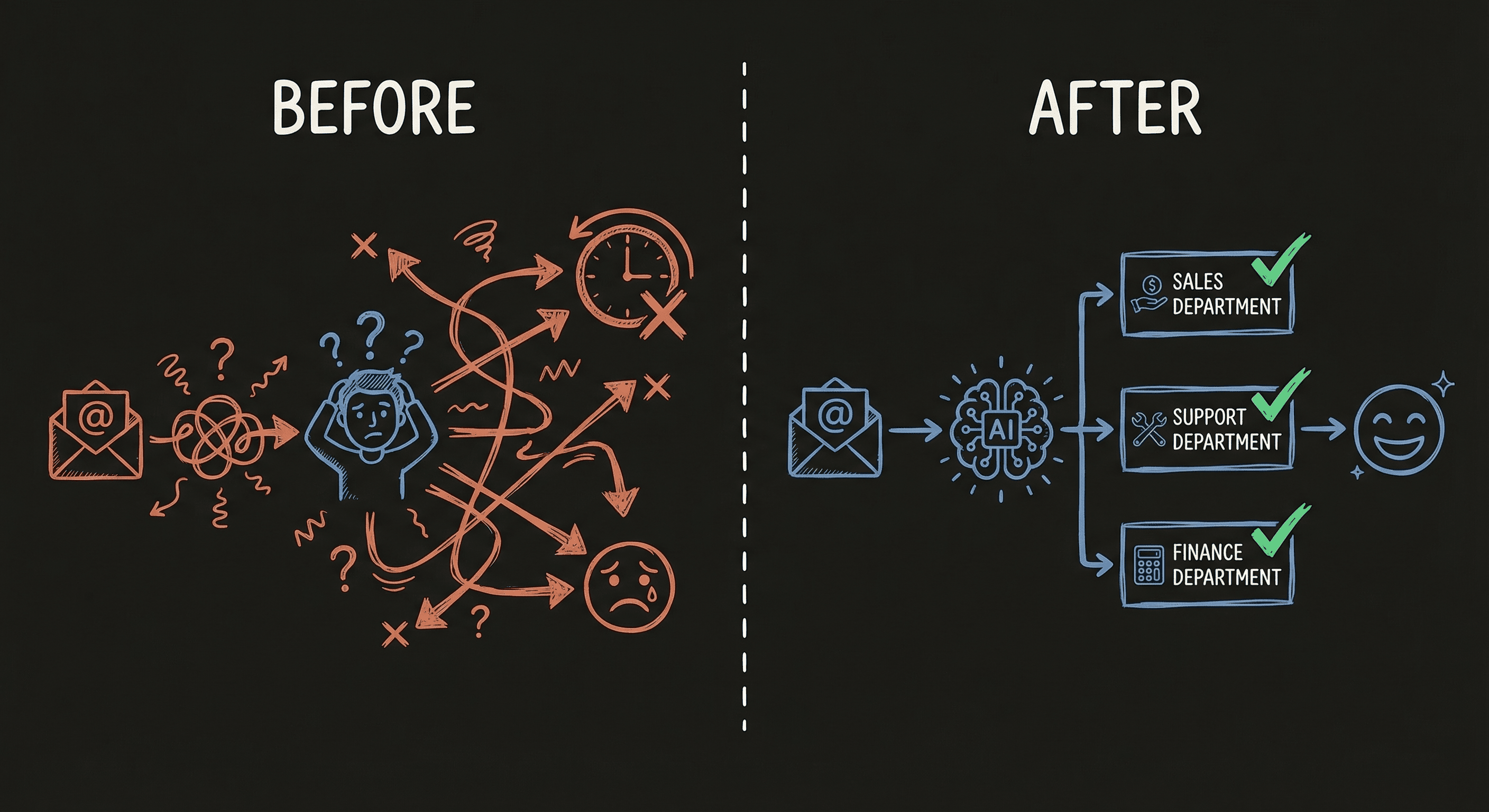
It lands in a shared inbox. Someone reads it when they get around to it. They try to figure out who should handle it. They forward it. Maybe the right person sees it, maybe they don't. The customer waits. Frustration builds.
Now multiply that by every email you get in a day. Some are urgent. Some are routine. Some are from your best customers. They all look the same sitting in a general inbox.
This is not a technology problem. This is a revenue problem. Every hour a customer waits for a response is an hour they spend looking at your competitors.
What AI Routing Does
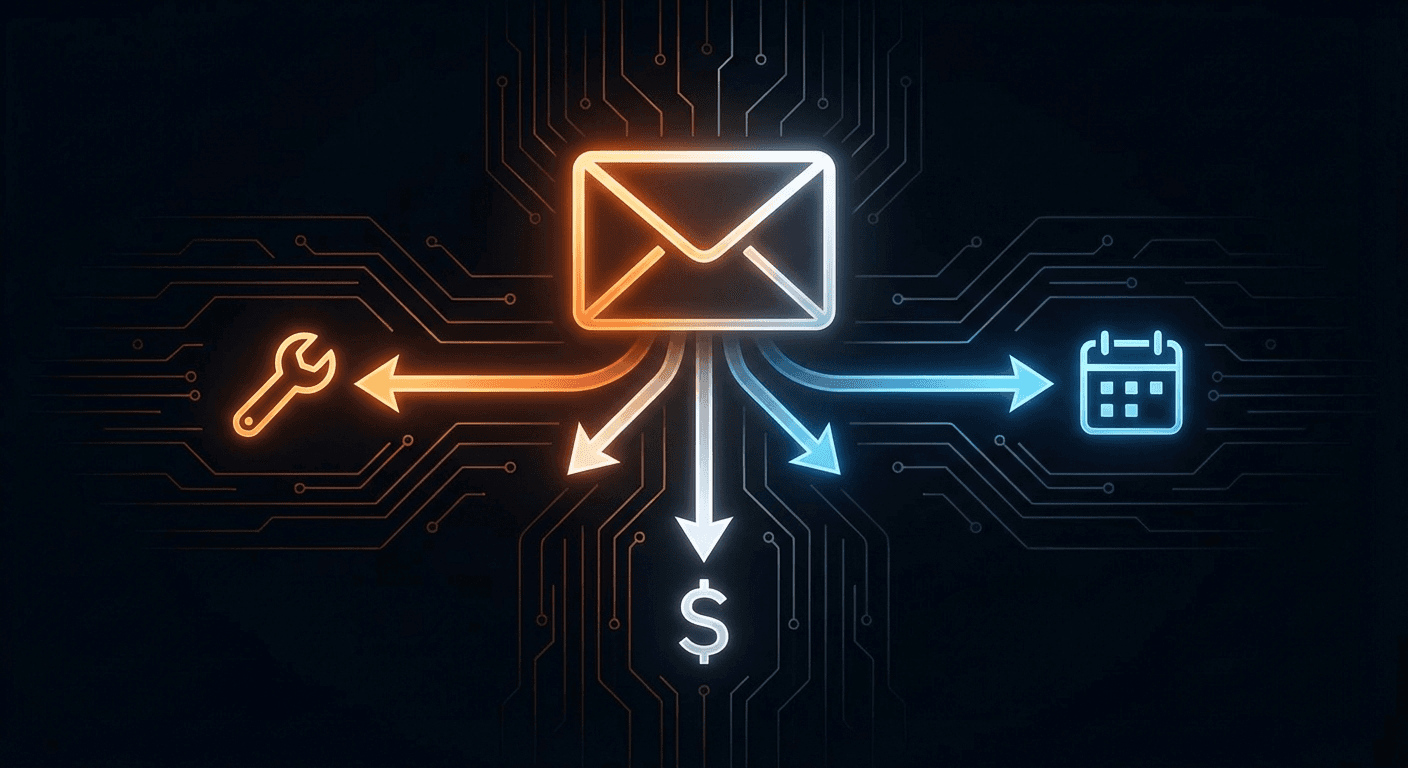
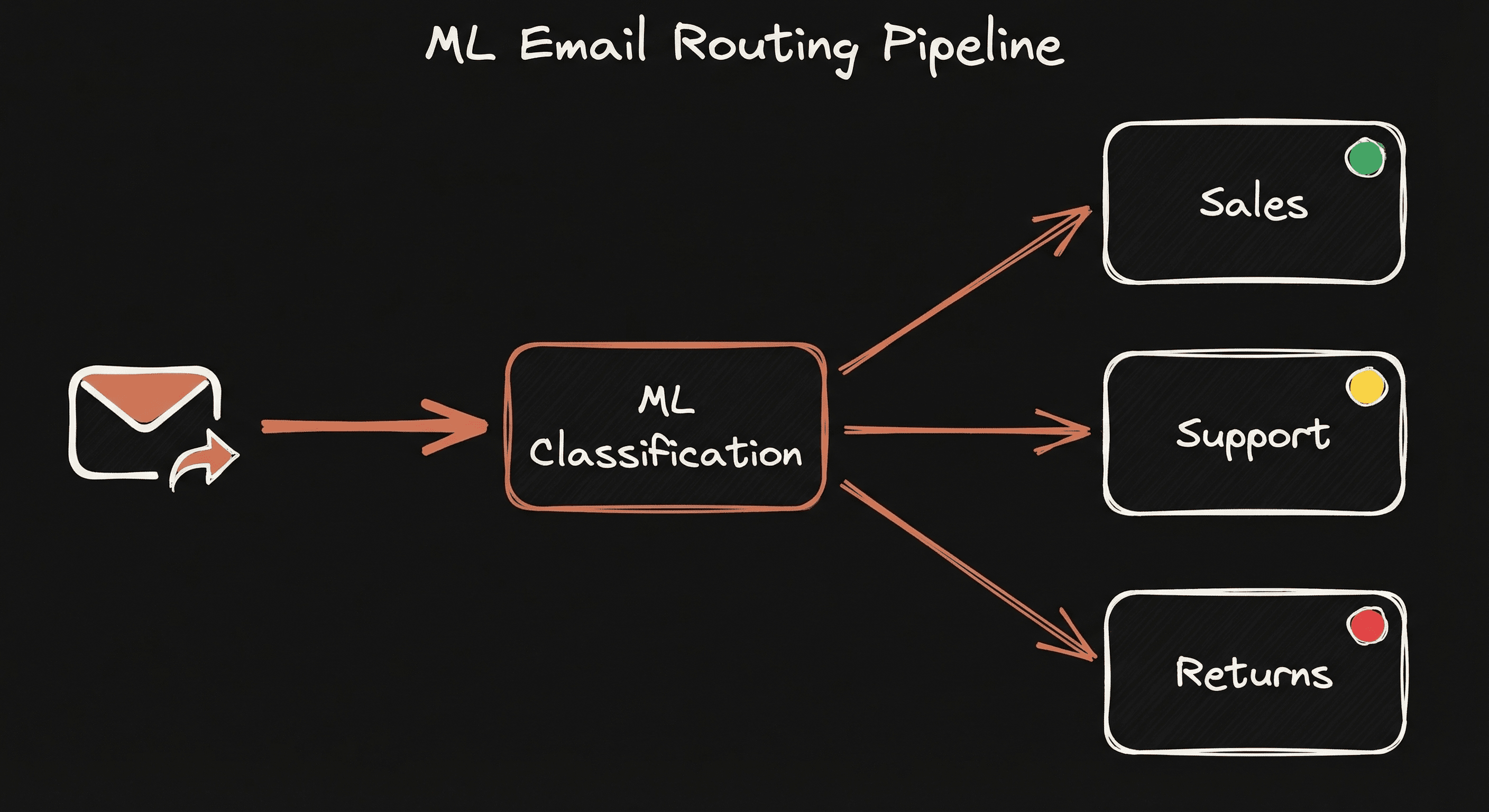
AI email routing reads every incoming email the moment it arrives. It understands what the email is about. Billing question? Service request? Urgent issue? General inquiry? The AI figures it out instantly and sends it to the right person on your team.
It also flags urgency. A “just checking in” email gets treated differently than a “this is an emergency” email. Your team sees what matters first.
The result: the right person sees the right email at the right time. No forwarding chains. No guessing. No dropped balls.
How It Works
No jargon, no buzzwords. Here are the four steps.
1. It Learns Your Business
We look at your existing emails. The ones sitting in your inbox right now. Which ones were scheduling requests? Which were complaints? Which were billing questions? Your past conversations teach the AI what your business actually deals with every day.
2. It Learns Patterns
The AI picks up on patterns in your emails. Certain words, phrases, and topics tend to go to certain people or departments. It builds an understanding of how your business works, so it can sort new emails the same way your best employee would.
3. It Plugs In
You do not need new software. The AI connects to whatever you already use. Gmail, Outlook, your CRM. It works behind the scenes, directing traffic. Your team keeps using the same tools they know.
4. Your Team Stays in Control
This is important: the AI does not replace your people. Your team still sees every email. If the AI sends something to the wrong place, your person corrects it with one click. The system learns from that correction and gets better over time.
This is called “human-in-the-loop.” The AI handles the sorting. Your team makes the decisions.
What It Takes to Build
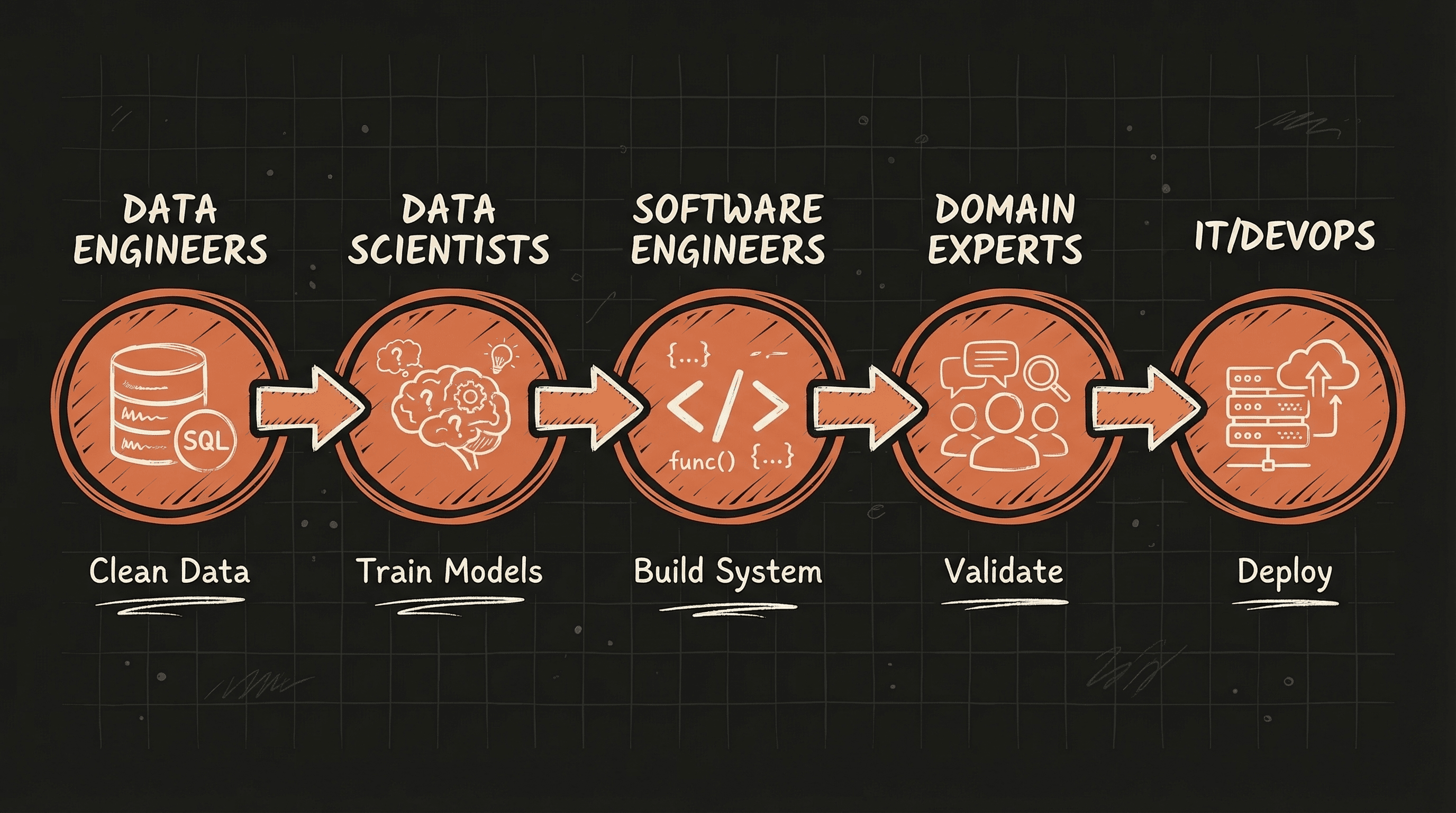
You do not need a team of engineers. Here is what the process actually looks like:
Data preparation. We organize your existing emails so the AI can learn from them. Your years of customer conversations become training material.
Model training. We build the AI that classifies emails and detects urgency. It learns the difference between “I need help now” and “can you send me a quote next week?”
Integration. We wire the AI into your existing email system. No new software to learn.
Validation. Your team reviews the system's work, corrects mistakes, and the AI learns from every correction.
Ongoing improvement. The system keeps running, keeps learning, keeps getting better.
Change Management Matters Most
Here is what most AI companies will not tell you: the technology is the easy part. The real challenge is organizational transformation. Getting your team comfortable with a new way of working is what makes or breaks the system.
When you introduce AI into your workflow, three things need to happen:
Training. Your staff needs to understand how the new system routes emails and what the urgency scores mean. This is not a multi-day seminar. It is usually a 30-minute walkthrough.
Monitoring. Someone on your team keeps an eye on the system. Are emails going to the right place? Is the urgency detection accurate? This takes about 5 minutes a day.
Feedback. When the system gets something wrong, your team flags it. One click. The AI uses that feedback to improve. After a few weeks, it is more accurate than manual routing ever was.
Beyond Email
The same technology that routes emails can work across your entire business.
Imagine a customer emails “everything is fine” but their satisfaction rating is 2 out of 5. The words say one thing, the data says another. An AI that reads both catches the disconnect and flags it for follow-up before you lose that customer.
Or think about phone calls. The words might be polite, but the tone says the customer is frustrated. AI that analyzes both the transcript and the tone catches what people miss.
Email routing is the starting point. Once you see what AI can do with one part of your business, you start to see opportunities everywhere.
See It for Your Business
Book a free strategy call. We will look at your current setup, show you where AI can help, and give you a clear plan. No pressure, no contracts.
Book a Free Strategy Call →