How to Add llms.txt to Wix (And Why Most Plans Can't)
Wix only supports native llms.txt on Premium eCommerce plans in the US. If your plan does not qualify, the only working fix is a Cloudflare Worker that intercepts requests at /llms.txt before they reach Wix.
By Samer Shaker
Quick Answer
Wix only supports native
llms.txt on Premium
eCommerce plans in the US running in English. If your plan does not qualify, the
only working fix is a Cloudflare Worker that intercepts requests at
/llms.txt before
they reach Wix.
Key Takeaways
- Wix launched native
llms.txtsupport on July 16, 2025, but locked it to Premium eCommerce sites in the US running in English. - Every other Wix plan returns a 404 at
/llms.txt. There is no manual upload path that fixes this inside Wix. - A Cloudflare Worker is the only confirmed working solution for non-eligible plans. It requires Cloudflare to manage your DNS.
robots.txtcontrols crawler access.llms.txttells AI systems what your content is about. They are not interchangeable.- Once Wix rolls out native support to your plan, you can delete the Worker route and let Wix take over.
Native llms.txt Only Works on One Wix Plan Type
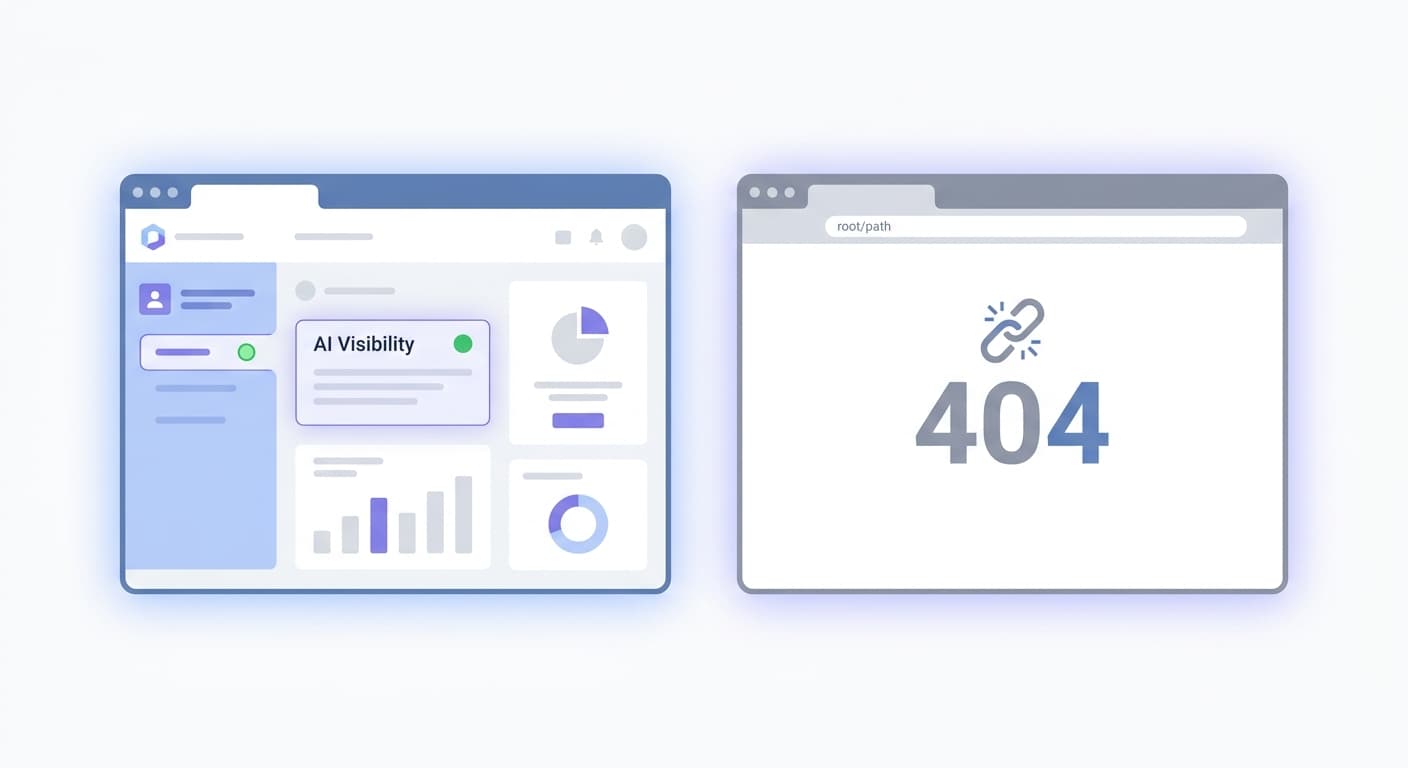
How you add llms.txt to Wix depends entirely on your plan. Premium eCommerce stores in the US running in English already have native support. For every other plan, /llms.txt returns a 404.
Wix launched native llms.txt on July 16, 2025, positioning itself as the first CMS with built-in AI visibility tools. The catch is the eligibility wall. To get the native file, your site needs a premium plan, a connected custom domain, and search engine indexing turned on. Miss any one of those, and the feature does not exist for you.
Most Wix users do not qualify. That is not a bug. Wix staff confirmed the /llms.txt URL slug is reserved for Wix's own feature, so you cannot drop a file there manually. There is no upload workaround inside Wix itself.
The only path that works for non-eligible plans is a Cloudflare Worker. It intercepts requests before they hit Wix's servers and serves your llms.txt content at the exact /llms.txt path. It requires Cloudflare to manage your DNS, but it produces a real, crawlable file. This gives your site AI search visibility equal to a native llms.txt file.
Which Wix Plans Get a 404 at /llms.txt
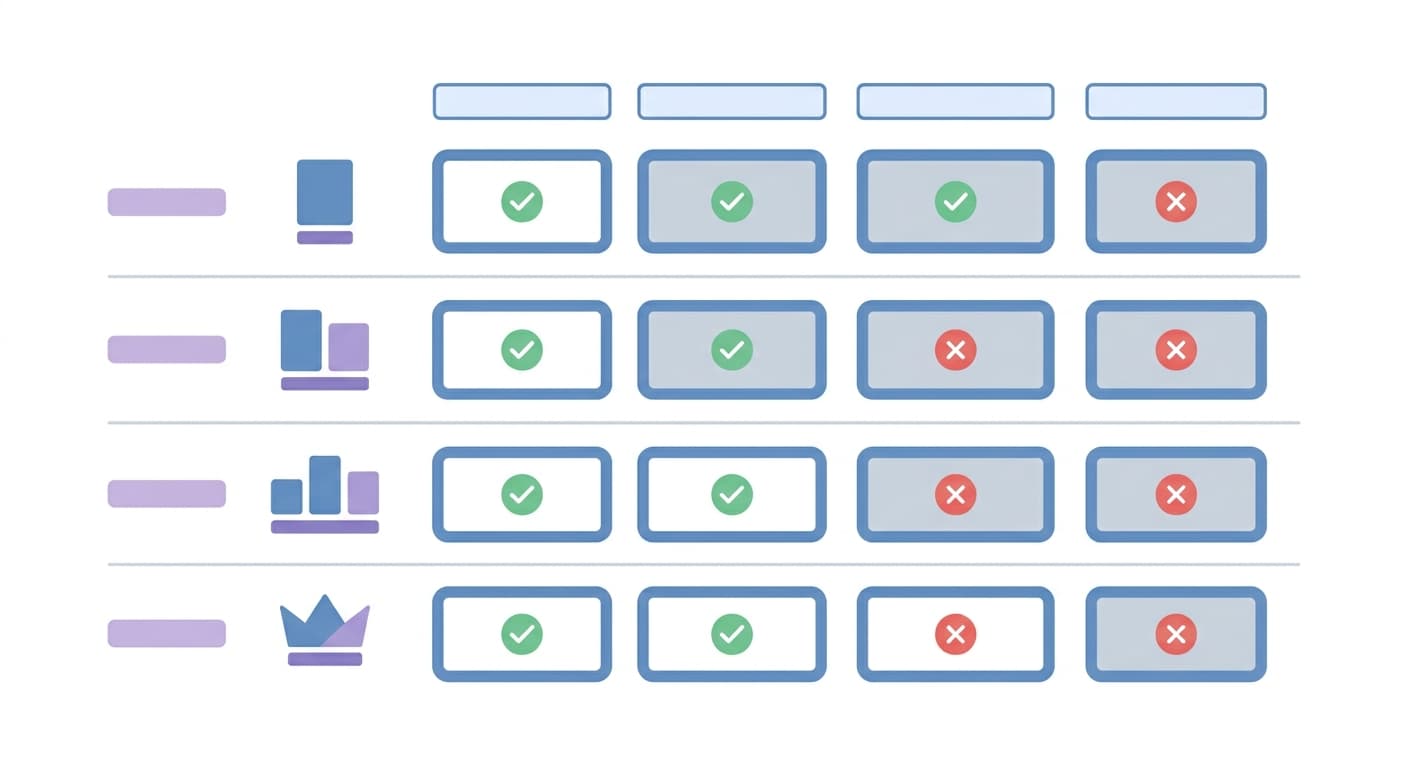
| Wix Plan | Native llms.txt | What to Do |
|---|---|---|
| Premium eCommerce (US, English) | Yes | Enable indexing, connect custom domain |
| Business / VIP (non-eCommerce) | No, 404 | Use a Wix app or workaround |
| Free plan | No, 404 | Upgrade first |
| Non-US or non-English sites | No, 404 | Wait for rollout or use a workaround |
Premium eCommerce (US, English): Native Support
Three requirements must be true at the same time: a Premium eCommerce plan, a connected custom domain, and search engine indexing enabled. Hit all three and Wix generates /llms.txt automatically. You do not upload a file. You do not write any code. The file only includes publicly visible content, so private pages, password-protected pages, and members-only sections never appear in it. Shopify handles this differently.
All Other Plans Return 404 at /llms.txt
Every other plan type returns a 404 at /llms.txt. That includes Business plans, VIP plans, free plans, and any Premium eCommerce site outside the US or running in a language other than English. Wix staff member Noah Lovell confirmed the URL slug is reserved for Wix's own feature: “It's not currently possible to be added, as it's a gradual rollout.” This confirms root-path uploads are blocked. You cannot upload your own file to that path.
If You're Eligible: How to Find and Edit Your Wix llms.txt
Wix Auto-Generates the File at yourdomain.com/llms.txt
Wix serves the file at yourdomain.com/llms.txt. You do not create it. Wix builds it from your publicly visible content, so private pages, password-protected sections, and members-only areas never appear in it. Check that the file exists by visiting that URL directly before you try to edit anything.
Manual Edits Disable Auto-Updates
The moment you manually edit the file, Wix stops updating it automatically. Your edits are preserved, but Wix will not add new pages or remove deleted ones on your behalf. You can reset to automatic any time, which wipes your custom changes and hands control back to Wix.
To edit manually:
- Log into your Wix dashboard.
- Go to SEO & GEO > Tools and settings.
- Open the llms.txt editor.
- Make your changes.
- Save. Wix now treats the file as manually managed.
If you add new pages regularly, resetting to automatic after each content push is cleaner than maintaining the file by hand.
Controlling AI Crawlers via robots.txt
The Wix robots.txt editor lives at SEO & GEO > Tools and settings > Robots.txt Editor. Use it to control which AI crawlers can access your site. These two OpenAI bots are not interchangeable:
- GPTBot: crawls for training data only. Blocking it keeps your content out of future model training but does not affect ChatGPT search results.
- OAI-SearchBot: crawls for ChatGPT's live search citations. Blocking it removes your site from ChatGPT search answers entirely.
Block the wrong one and you get the wrong outcome. PerplexityBot, which powers Perplexity search results, also respects robots.txt and can be controlled with an allow or disallow directive.
Three Common Workarounds Fail for Different Reasons
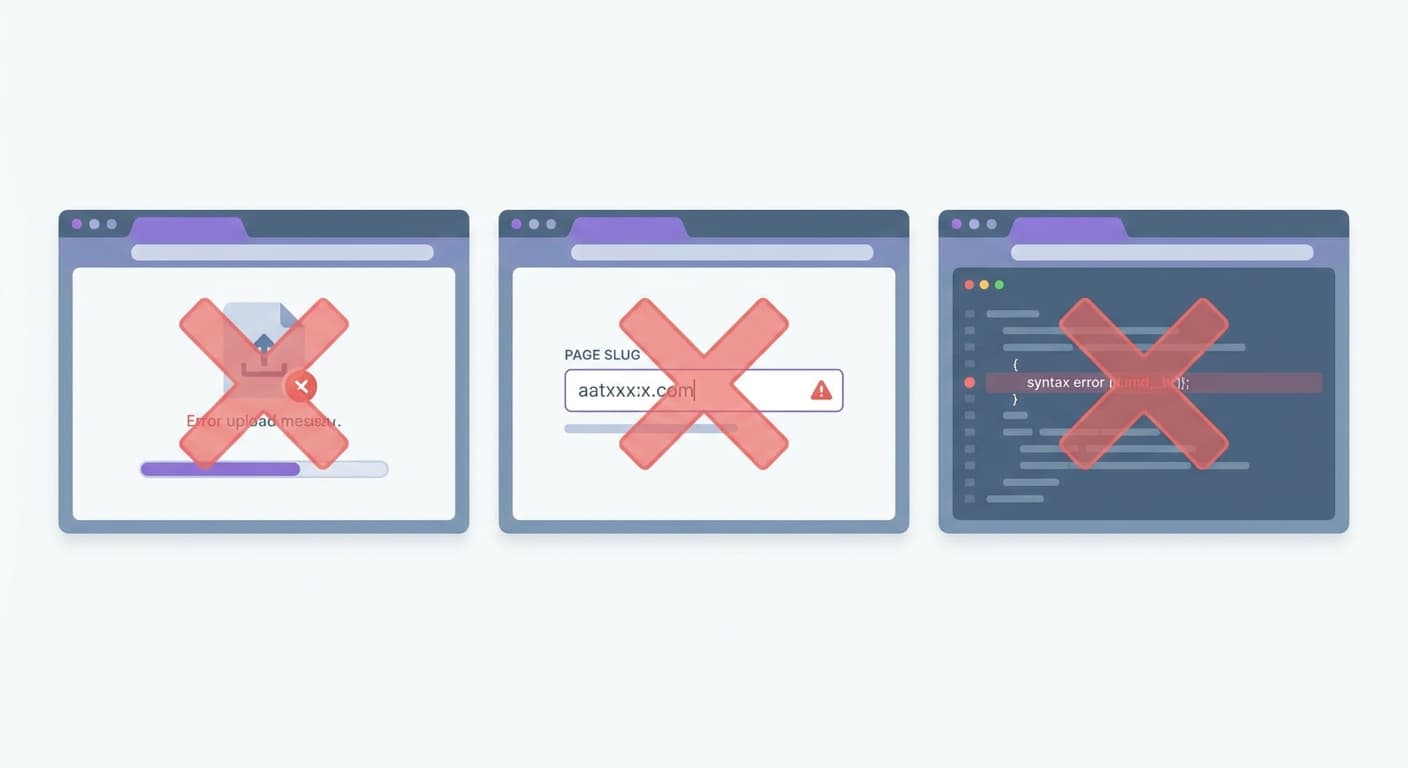
File Upload Has No Root Access
Wix does not let you place arbitrary files in your site's root directory. That is not a setting you missed. It is a platform restriction. Uploading through the Wix Media Manager puts your file behind a CDN path, not at yourdomain.com/llms.txt.
The /llms Page Slug Returns HTML, Not Plain Text
Creating a Wix page and setting the URL slug to /llms or /llms.txt looks like it should work. It does not. A Wix page returns HTML, not plain text. AI crawlers cannot parse it correctly. The llms.txt specification requires a flat text document. The slug is also reserved. Wix staff confirmed the /llms.txt slug is locked for Wix's own feature rollout.
Velo HTTP Functions Publish at the Wrong Path
Velo HTTP functions are the closest thing Wix offers to server-side file serving. The problem is the path. Every Velo function publishes at /_functions/functionName, not at /llms.txt. There is no way to remap a Velo function to the exact root path the specification requires. Crawlers checking yourdomain.com/llms.txt will never reach it.
The Cloudflare Worker Fix: Serve llms.txt Outside Wix's Control
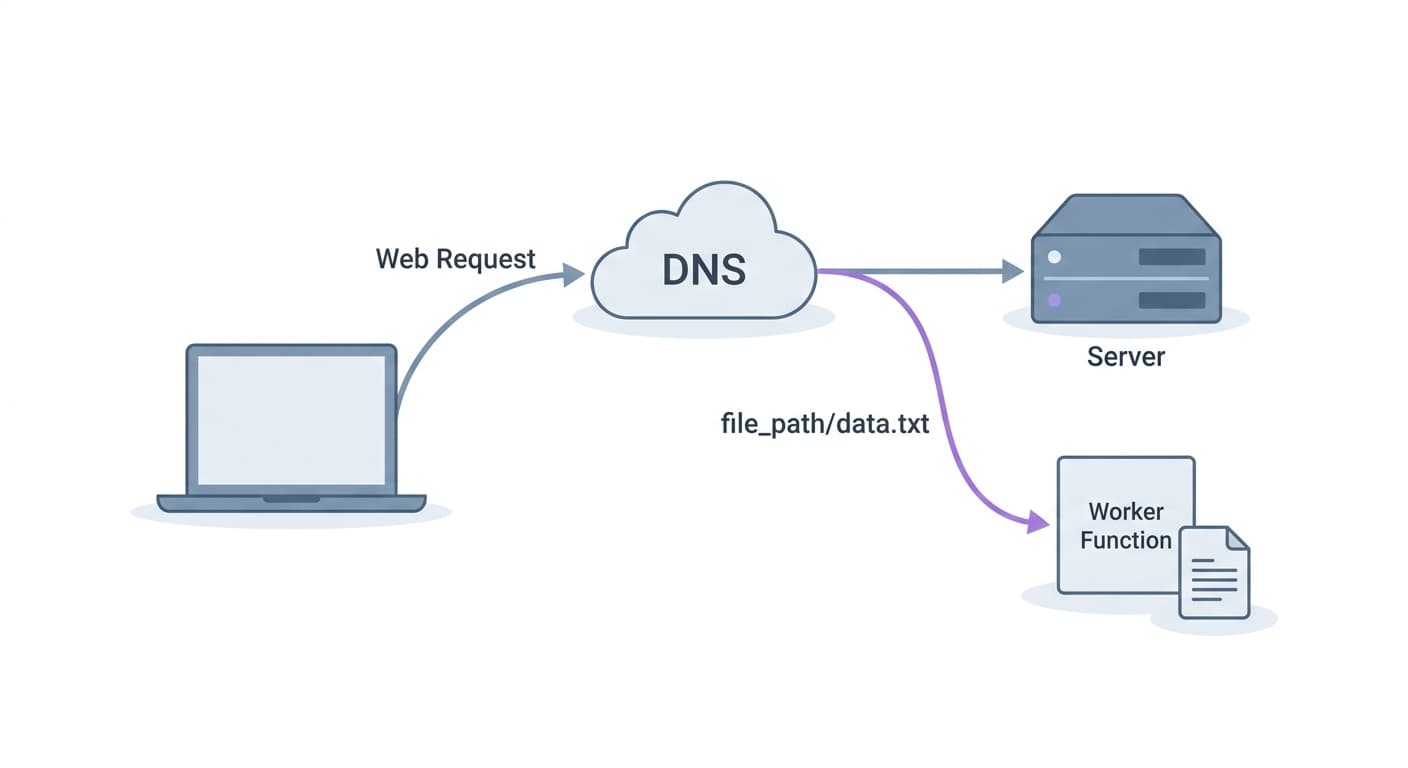
Cloudflare Workers intercept requests before they ever reach Wix. That means you can serve /llms.txt from a Worker, at your actual domain, with no Wix cooperation required. The only prerequisite: your DNS must be managed by Cloudflare.
The Worker Intercepts /llms.txt Before Wix Sees It
Wix controls the server. You control the DNS. A Cloudflare Worker sits between the two, checking every incoming request. When it sees a GET for /llms.txt, it handles the response itself and never forwards the request to Wix. Every other path passes through untouched, so your live site keeps working normally.
Skip this step and AI crawlers hitting your non-eligible Wix site get a 404. A 404 at /llms.txt is not neutral. It tells crawlers there is nothing there to index.
The Worker Code
Store your llms.txt content in a KV namespace called LLMS_TXT. The Worker reads from that namespace on each request. If the key is missing, it returns a minimal fallback so crawlers never hit a 404.
export default {
  async fetch(request, env) {
    const url = new URL(request.url);

    if (url.pathname === "/llms.txt" && request.method === "GET") {
      // Read content from KV — update content there, no redeployment needed
      const content = await env.LLMS_TXT.get("content");

      if (content) {
        return new Response(content, {
          headers: { "Content-Type": "text/plain; charset=utf-8" },
        });
      }

      // Fallback if KV key is not set
      return new Response("# My Site\n\nllms.txt coming soon.", {
        headers: { "Content-Type": "text/plain; charset=utf-8" },
      });
    }

    // All other paths go to Wix
    return fetch(request);
  },
};
Update your llms.txt content any time by editing the KV value. No redeployment, no code change.
Deploying the Worker: Step by Step
- Log in to the Cloudflare dashboard and open Workers & Pages.
- Click Create and select Create Worker. Name it
llms-txtand click Deploy. - Replace the default code with the snippet above, then click Deploy again.
- Go to KV in the sidebar. Create a namespace called
LLMS_TXT. - Inside that namespace, add a key named
content. Set the value to yourllms.txttext. The spec requires an H1 heading with your site name as the first line. - Back in your Worker settings, open Settings > Bindings. Add a KV namespace binding: variable name
LLMS_TXT, namespaceLLMS_TXT. - Open your domain's zone in Cloudflare. Go to Workers Routes and add a route:
yourdomain.com/llms.txt. Point it to yourllms-txtWorker. - Visit
yourdomain.com/llms.txtin a browser. You should see plain text, not a Wix 404.
Frequently Asked Questions
Does Wix support llms.txt natively?
Partially. Wix rolled out native llms.txt on July 16, 2025, but only for Premium eCommerce sites in the US running in English. Every other plan returns a 404 at that path.
What happens if I upload an llms.txt file to Wix?
Nothing. Wix does not let you place arbitrary files in the site root directory. There is no file manager path that maps to yourdomain.com/llms.txt, so any file you upload will not be served at that URL.
Will a Cloudflare Worker break my Wix site?
No. The Worker only intercepts requests to /llms.txt and serves your file. Every other request passes straight through to Wix via return fetch(request). Your pages, images, and forms are unaffected.
Do I need llms.txt to block AI crawlers or to get cited by them?
These are two separate jobs. robots.txt controls crawler access. Blocking GPTBot stops OpenAI from using your content for training, and blocking OAI-SearchBot removes your site from ChatGPT search citations. llms.txt does neither. It tells AI systems what your content is about so they know what to cite.
Once Wix rolls out native llms.txt to all plans, will the Cloudflare Worker still work?
Yes. Wix is expanding native llms.txt support but has given no specific timeline. When your plan eventually gets native support, you can delete the Worker route and let Wix handle it. Until then, the Worker is the only reliable path.
Get Your AI Visibility Score
Find out where you rank in ChatGPT, Claude, and Perplexity. We run a live search and show you exactly what is blocking you.
Get My Free AI Audit →