How to Track ChatGPT Referral Traffic in GA4: Your Report Is Undercounting (Here Is How to Close the Gap)
To track ChatGPT referral traffic in GA4 accurately, you need three data sources working together: a custom channel group that catches UTM-tagged sessions, server-side log filtering for the ChatGPT-User agent string, and a dark traffic floor estimate calculated from the gap between them. GA4 alone captures roughly 30% of what ChatGPT actually sends.
By Samer Shaker
About 70% of ChatGPT-driven visits reach your site with no referrer header. GA4 never sees them as ChatGPT traffic. They land in Direct/(none) and disappear into the noise.
By the end of this article, you will have four things: a custom GA4 channel group that catches AI referrals, a UTM source audit to surface mislabeled sessions, a server-side log filter for the ChatGPT-User agent string, and a method for calculating a dark-traffic floor estimate so you know the minimum ChatGPT is actually sending you.
Why the GA4 Referral Report Shows a Fraction of Your ChatGPT Traffic
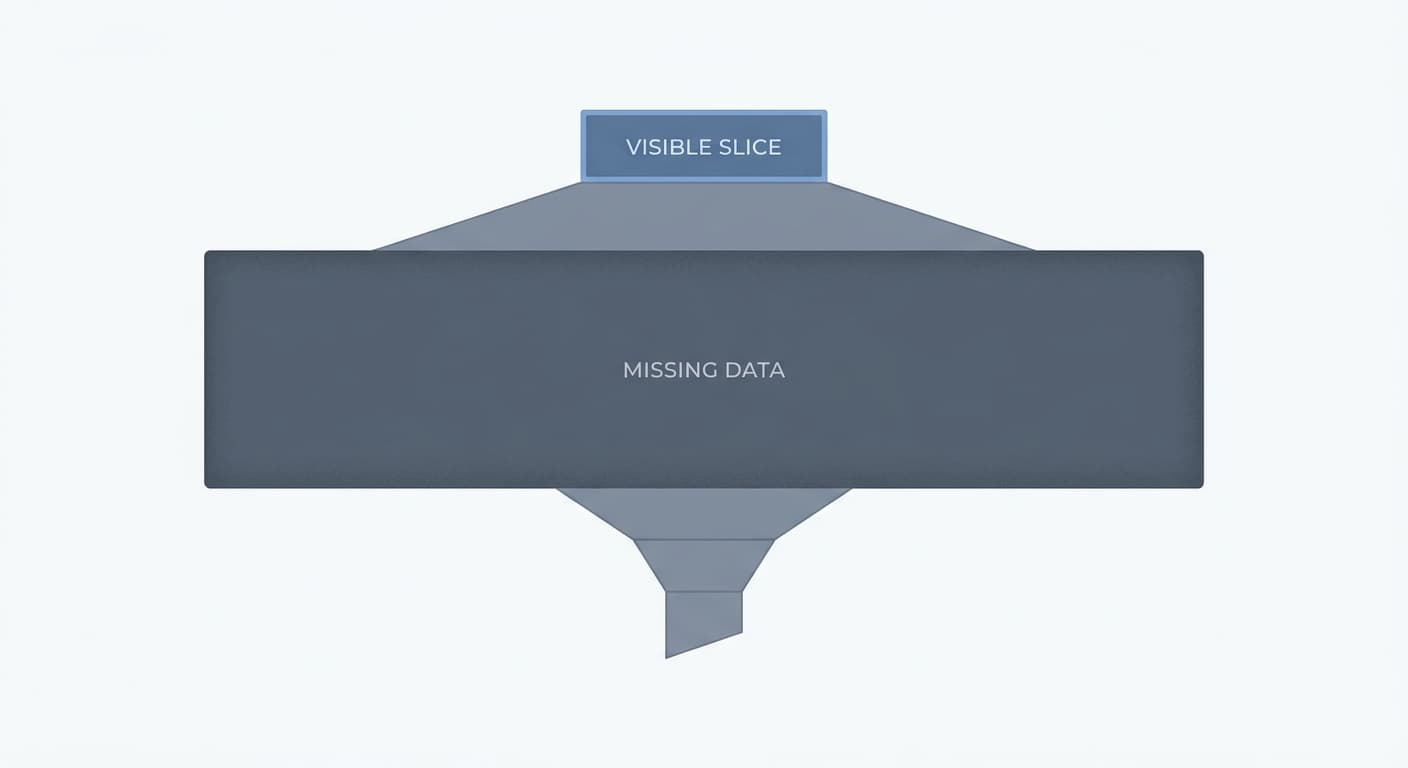
Most readers check the chatgpt.com row in GA4 Acquisition and treat that number as their ChatGPT traffic. It is not. It is the smallest slice of it.
The referral report was never built to catch dark traffic
GA4's referral report records sessions where a browser passes a referrer header. That works fine for standard web links. ChatGPT does not behave like a standard web link.
When a user reads a ChatGPT response that cites your site, two things can happen. They click the link directly in the chat interface, which sometimes passes a referrer. Or they copy your URL, open a new tab, and paste it, which passes nothing. The second behavior is far more common.
SparkToro research found that 60% of AI-driven sessions lacked referral headers entirely. A separate finding puts the scale of the problem in sharper terms: only 12-18% of AI citations in chatbot responses generate a click at all. The other 82-88% produce zero GA4 signal of any kind. Your GA4 AI traffic numbers represent a floor, not a ceiling.
What GA4 actually sees vs. what ChatGPT actually sends
Here is the gap in concrete terms. ChatGPT renders your page and fires the ChatGPT-User agent string against your server on every AI-driven page load. Your server logs record that hit every time. GA4 records it only when the user's browser also fires a pageview event with a referrer intact.
One more silent killer sits inside GA4 itself: the referral exclusion list. If chatgpt.com was added to that list at any point, GA4 automatically strips ChatGPT referral credit and reclassifies those sessions as direct traffic. No warning. No flag. The sessions exist in your data but are permanently miscategorized.
The practical result is that your chatgpt.com row in GA4 captures somewhere around 30% of the traffic ChatGPT actually sends. The rest is split between Direct/(none) and, in some cases, referral exclusion conversions you cannot recover without a log audit.
The 4 Mechanisms That Strip the ChatGPT Referrer Before GA4 Sees It
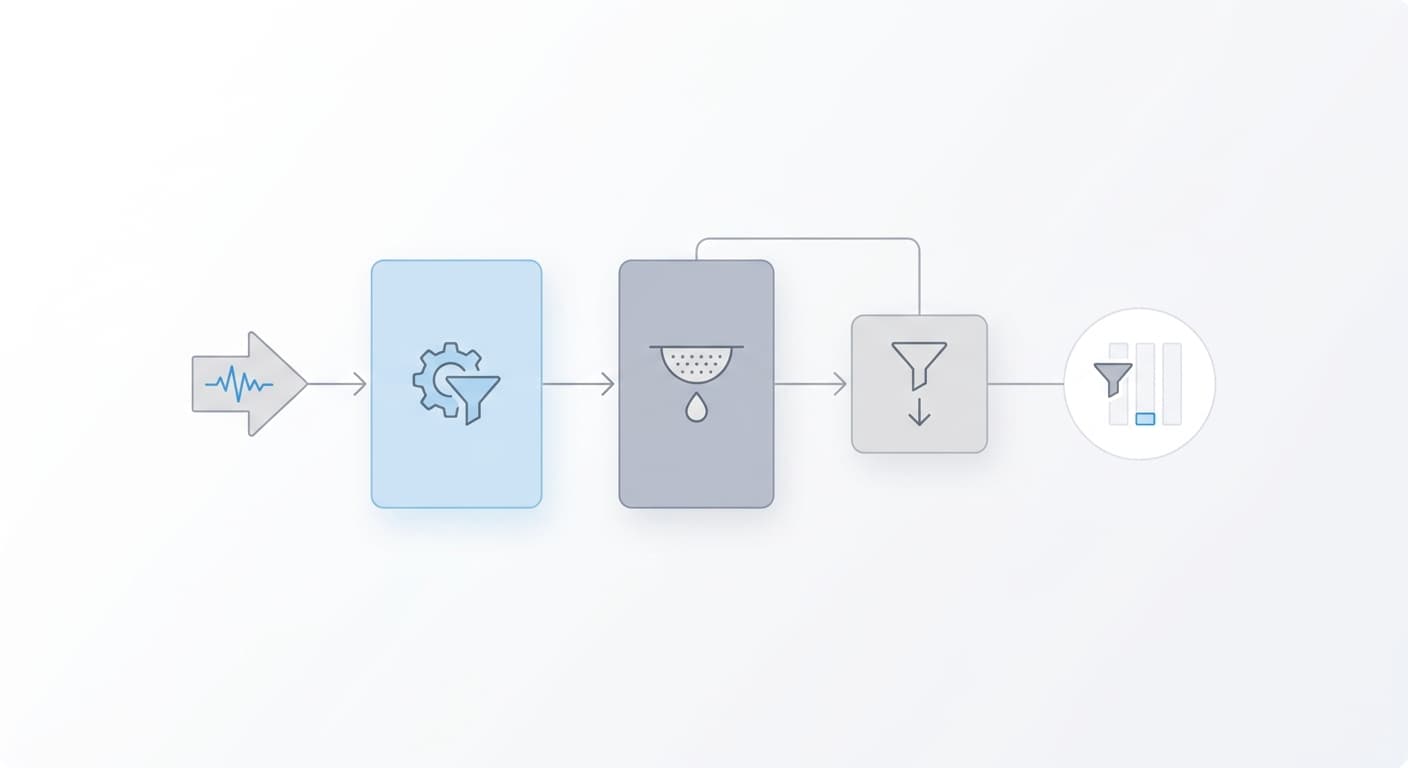
Most guides treat referrer loss as a GA4 configuration problem. It is not. The referrer gets stripped before GA4 ever sees the request, at the HTTP transport layer, and no amount of GA4 settings fixes a header that was never sent.
Understanding where each mechanism fires tells you which slice of your ChatGPT traffic is recoverable and which is permanently dark.
Referrer-Policy Headers Set to strict-origin-when-cross-origin
When a browser navigates from one origin to another, it reads the source page's Referrer-Policy header to decide what to put in the Referer request header. The policy strict-origin-when-cross-origin sends only the origin (e.g., https://chatgpt.com) on HTTPS-to-HTTPS navigations and sends nothing at all when the destination is HTTP.
ChatGPT ships this policy. So does most of the modern web by default, because browsers adopted it as the spec default in 2021. The practical consequence: GA4 receives chatgpt.com as the referrer, but the full path that would let you identify which conversation or feature drove the click is gone. Privacy-first browsers go further. Safari ITP, Brave, and Chrome in privacy mode strip cross-origin referrer headers entirely, which is why your chatgpt.com referral count is reliable on desktop only 60-70% of the time and often zero on mobile.
rel=noreferrer on Paid-Tier ChatGPT Links
ChatGPT's paid tier (Plus, Team, Enterprise) applies rel="noreferrer" to inline conversational links. The free tier does not.
That single attribute tells the browser to send a completely empty Referer header on navigation. The receiving server sees a naked GET request with no referrer signal, and GA4 logs the session as Direct/(none).
This creates a tracking split that has nothing to do with your implementation. A Plus subscriber clicking the same link that a free-tier user clicks produces a different referrer outcome. Your GA4 data reflects user tier distribution as much as it reflects actual traffic volume.
iOS WKWebView and Android Custom Tabs
Mobile operating systems complicate this further. When a user taps an external link inside the ChatGPT iOS app, iOS opens it in a WKWebView rather than Safari. Android does the same with Custom Tabs in the ChatGPT Android app.
Both environments drop the Referer header on cross-origin navigation. The request that arrives at your server is a naked GET, structurally identical to a URL typed directly into the browser's address bar. GA4 cannot distinguish it from direct traffic.
Mobile ChatGPT usage is not a fringe case. For many sites, it represents the majority of ChatGPT-sourced visits. This mechanism alone accounts for a significant portion of the gap between actual ChatGPT sends and the chatgpt.com row in your referral report.
Clipboard Copy-Paste with No Browser Navigation
The fourth mechanism does not involve a browser navigation event at all. A user reads a ChatGPT response, copies a URL from it, and pastes it into a browser address bar. No HTTP request originates from chatgpt.com. No referrer header exists because there is no referring page in the navigation chain.
GA4 logs the session as Direct/(none) because the session literally is direct. The utm_source=chatgpt.com parameter that OpenAI launched on October 31, 2024 does not apply here. That parameter tags Search results and Response citations only. Inline conversational links and copied URLs remain untagged, so copy-paste traffic is unrecoverable without server-log analysis or a UTM tagging strategy you control.
How to Set Up a Custom GA4 Channel Group to Recover Tagged ChatGPT Sessions

Most site owners treat custom channel groups as advanced configuration they will get to later. Skip that assumption.
This is a 10-minute setup, and it recovers a real share of traffic you are currently losing. In an April 2025 dataset of 371,847 AI-classified sessions, 35.7% arrived with UTM parameters only and no HTTP referrer. GA4 does not know what to do with those sessions, so it files them under Unassigned, not Referral. You never see them in your ChatGPT traffic numbers.
Custom channel grouping recovers 50-70% of actual ChatGPT traffic. The remaining 30-50% is dark traffic, permanently unattributable without server-log access. But recovering the majority starts with this setup.
Step 1: Audit Your UTM Data for chatgpt.com Source Sessions
Before building anything, find out what GA4 is already capturing and where it is landing.
Open GA4 and go to Explore. Create a blank exploration. Add Session source as a dimension, Sessions as a metric, and Session default channel group as a second dimension. Then filter: Session source contains “chatgpt”.
Look at the Channel Group column for each row. You will likely see three buckets: Referral, Direct, and Unassigned. Sessions landing in Unassigned are the ones with utm_source=chatgpt.com but no utm_medium and no referrer header. GA4 cannot match them to any default channel rule, so they fall through.
Note the session count in Unassigned. That is your recovery target.
Step 2: Create the Custom Channel Group Rule
Go to GA4 Admin > Data display > Channel groups > New channel group.
Name the group “AI Referral” or whatever naming convention your account uses. Add a new channel inside the group and name it “ChatGPT.”
Set the rule as follows:
- Session source exactly matches chatgpt.com
- OR Session source exactly matches chat.openai.com
Save that channel, then add additional channels in the same group for Perplexity, Claude.ai, and Gemini. One group captures all AI referral sources together, which makes reporting cleaner and comparison easier as AI traffic grows.
Save the channel group. GA4 applies it going forward and backfills historical data in reports that use it.
Step 3: Validate Against the Default Referral Channel
Pull the same Exploration report from Step 1, this time swapping the default channel group dimension for your new custom channel group.
Compare the ChatGPT session count in your new “AI Referral” channel against what the default Referral channel was showing before. The difference is the sessions you recovered from Unassigned. That number tells you how much traffic was being miscategorized and how to track ChatGPT referral traffic in GA4 with accuracy instead of guesswork.
If the new total still looks low relative to your overall traffic, the gap is dark traffic. No channel group rule closes that. UTM tagging on outbound links you control is the only way to reduce it further.
Use Server-Side Logs to Count ChatGPT Crawler Hits as a Complementary Signal
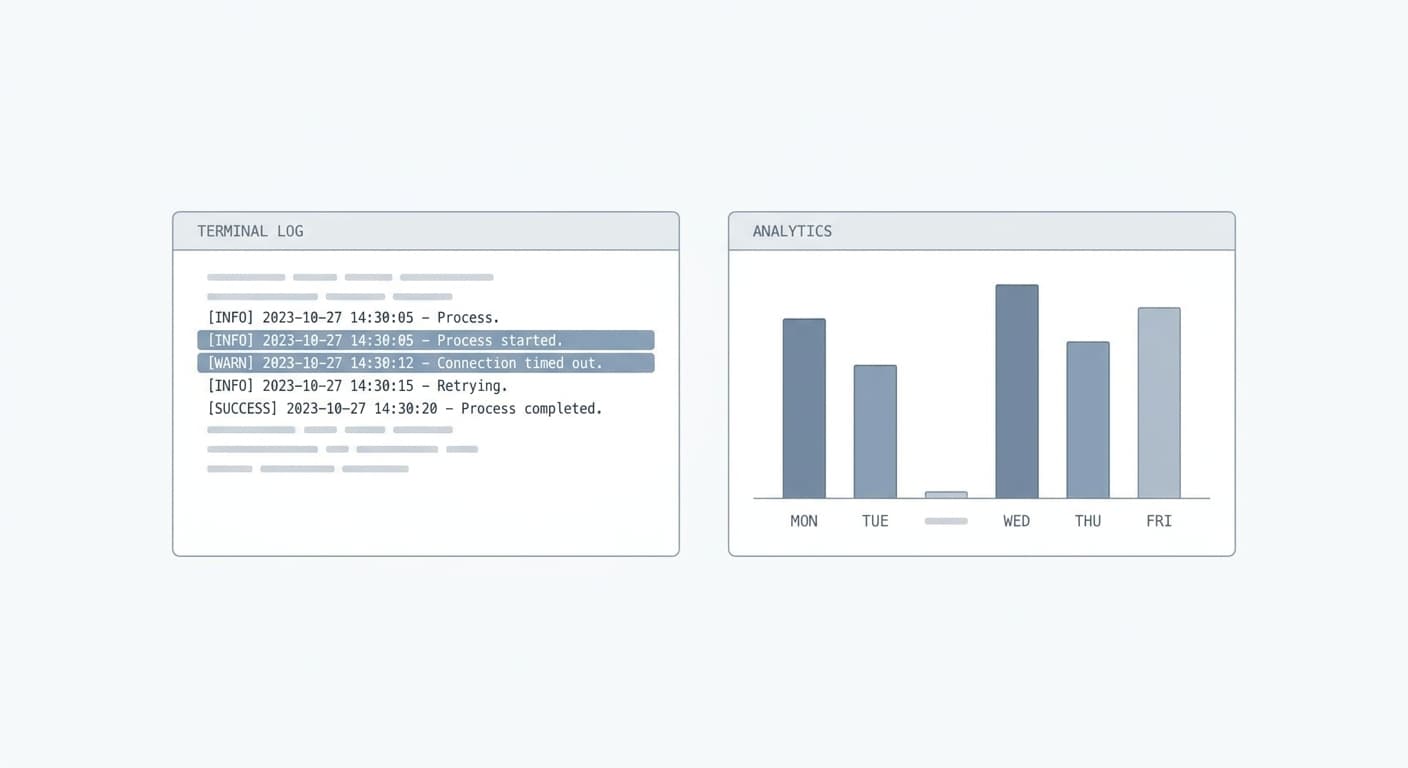
Most people treat server logs as a debugging tool. They are also a direct signal for AI-driven referral activity that GA4 cannot capture.
When a user asks ChatGPT a question and the model cites one of your pages, ChatGPT fetches that page in real time to render the response. That fetch leaves a record in your server logs under the user agent ChatGPT-User. GA4 never sees it because no browser loaded your page. The user stayed inside ChatGPT the whole time.
What ChatGPT-User Crawls Tell You That GA4 Cannot
OpenAI runs three distinct crawlers. GPTBot scrapes content for training data. OAI-SearchBot/1.0 builds the index. ChatGPT-User fires during live user sessions, the moment ChatGPT decides to render your content in an answer.
That distinction matters. GPTBot hits tell you OpenAI is aware of your content. ChatGPT-User hits tell you real users are seeing it cited right now.
One more thing worth knowing: ChatGPT-User is not governed by robots.txt. It fires because a user triggered the request directly, not because a scheduled crawler decided to visit. You cannot block it the way you block GPTBot via robots.txt. You can only count it.
Each hit in your logs is a ceiling estimate for AI-cited sessions. Bot re-renders and cache hits inflate the number slightly, so do not treat raw hit count as a precise session figure. Treat it as a directional upper bound.
How to Pull and Filter the Right Log Lines
The log file location depends on your host.
- Apache and Nginx write to
access.log(path varies by server config, typically/var/log/nginx/access.logor/var/log/apache2/access.log). - Cloudflare customers can enable Log Push to an S3 bucket or R2 and filter from there.
- Kinsta and WP Engine expose a log viewer inside their dashboards under the site's analytics or logs tab.
Once you have the file, one command isolates the signal:
grep 'ChatGPT-User' access.log
That returns every line where OpenAI's live-session crawler hit your server. Pipe it through wc -l to get a total count, or pipe it through awk '{print $7}' to pull the URL paths and see which pages are getting cited most often.
Cross-reference those URLs against your GA4 chatgpt.com referral sessions. Pages with high log hits but low GA4 sessions have a large dark traffic gap. Those are the pages earning AI citations but not getting credit in your analytics. They are also your best candidates for UTM tagging or link placement inside ChatGPT-accessible content.
How to Estimate Your Dark Traffic Floor From ChatGPT
Most people assume that if GA4 does not show it, there is nothing to measure.
That assumption is wrong. Your server logs show every request ChatGPT-User made, regardless of whether GA4 ever saw a session. The gap between those two numbers is your dark traffic floor.
The Dark Traffic Formula: Crawls Minus Tagged Sessions
The calculation is straightforward. Take the total ChatGPT-User log hits for a given period. Subtract the GA4 sessions where session_source = chatgpt.com for the same period. The difference is your dark traffic floor estimate.
That number is not precise, and it should not be treated as precise. Crawler hits do not map one-to-one with human sessions. Bot re-renders, cache hits, and retry requests all inflate the raw log count. Treat the result as a floor, not a headcount.
Context for what “large” looks like: in a recent dataset, 35.7% of sessions arrived with UTM tags but no HTTP referrer. That gives you a real benchmark for how much of your traffic can be recovered through tagging alone. It also shows how much is structurally invisible beyond that.
Research puts LLM-driven referral traffic at 15-35% of a site's total direct traffic, depending on industry. If your direct traffic is significant, that range tells you the problem is worth measuring.
When to Trust the Estimate and When to Flag It
Trust the trend. Distrust any single month's absolute number.
If your log hits spike and your GA4 chatgpt.com sessions stay flat, the gap widened. That is a signal to add UTM parameters to any links you control inside ChatGPT-accessible content. If both move together, your tagging coverage is working.
Document the estimate every month in a spreadsheet with three columns: log hits, GA4 sessions, and the gap. The trend line is the deliverable.
Frequently Asked Questions
Why does chatgpt.com not show up in my GA4 referral report?
Three things can cause this. First, the referrer header is stripped before GA4 sees it, either by a strict-origin browser policy or a mobile WebView. Second, chatgpt.com may be on your referral exclusion list, which routes those sessions to Direct. Third, if utm_medium is missing, GA4 has no channel to assign the session to and drops it to Unassigned. Check the referral exclusion list in GA4 Admin first. That is the most common cause and the fastest to fix.
What is utm_source=chatgpt.com and when does it appear?
OpenAI added UTM tagging on October 31, 2024. The tag appears on ChatGPT Search results pages and on cited links inside AI-generated responses. It does not appear on inline conversational links where ChatGPT mentions a URL without a formal citation. If you are only tracking utm_source=chatgpt.com, you are missing a real share of referrals.
How much ChatGPT traffic is permanently invisible to GA4?
Roughly 30-50% of ChatGPT-driven visits are permanently lost as dark traffic. The referrer is stripped at the transport layer and no tag is passed. A properly configured custom channel grouping can recover 50-70% of the total ChatGPT referral volume. The remainder is unrecoverable without server log analysis.
Does blocking GPTBot stop ChatGPT from sending traffic?
No. robots.txt governs GPTBot and OAI-SearchBot, which are the crawlers that build training and retrieval indexes. ChatGPT-User is triggered by a real user request inside ChatGPT and is not governed by robots.txt. Blocking GPTBot will reduce how often your content is indexed, but it will not suppress visits that a user initiates by clicking a ChatGPT citation.
What is the fastest way to see if I am getting any ChatGPT traffic at all?
Open GA4, go to Explore, and build a free-form report filtered to session_source contains “chatgpt.” Then pull server access logs for the same date range and filter by ChatGPT-User in the user-agent string. If the logs show hits and GA4 shows near-zero sessions, you have confirmed a dark traffic gap. That result alone justifies setting up the custom channel group.
Why do some ChatGPT sessions route to Unassigned in GA4?
GA4 needs both utm_source and utm_medium to assign a session to a named channel group. Sessions that carry utm_source=chatgpt.com but no utm_medium, and no referrer header to fall back on, satisfy neither the Referral nor the Organic Social conditions. GA4 drops them to Unassigned. A custom channel group rule that matches on utm_source = chatgpt.com or session_source containing chatgpt assigns those sessions correctly without requiring utm_medium to be present.
How do I know if chatgpt.com is on my GA4 referral exclusion list?
Go to GA4 Admin, select your property, and open Data Streams. Click your web stream, then scroll to “Configure tag settings” and open “List unwanted referrals.” If chatgpt.com appears there, remove it. Sessions that were reclassified to Direct before you remove it cannot be recovered retroactively.
Can I track AI traffic from other LLMs the same way?
Yes. The same custom channel group approach works for Perplexity (perplexity.ai), Claude (claude.ai), and Gemini (gemini.google.com). Add each as a separate channel inside the same “AI Referral” group. Server log filtering also works: each AI system uses a distinct user agent string, so you can filter logs per source. The dark traffic formula applies identically across all of them.
Find Out If ChatGPT Is Citing Your Site
We run a live search across ChatGPT, Claude, and Perplexity and show you exactly where you appear, where you do not, and what is blocking you.
Get My Free AI Audit →