Your Wix Site Is Missing the Two Files That Control AI Search Visibility
Wix auto-generates llms.txt only for Premium eCommerce sites in the US, in English. Every other site tier gets nothing. If your firm runs on Wix, the two files that matter most for AI search are either missing or misconfigured right now.
By Samer Shaker, Founder of iMakeMVPs · Last updated: May 24, 2026

Three controls look like AI visibility infrastructure. None of them work the way Wix implies. The platform does not tell you this. The setup screens show nothing.
Check Your Own Site First
Before reading further, open a browser tab and type yourdomain.com/robots.txt. If you see a list of rules, Wix has one. Then type yourdomain.com/llms.txt. Most Wix service sites return a blank page. That blank page is the problem.
Illusion 1: Your robots.txt Is Blocking AI Crawlers
Wix published a guide on blocking AI crawlers. It names four bots: CCBot, GPTBot, ChatGPT-User, and BingAI. That list is already outdated. It misses ClaudeBot, Claude-SearchBot, Claude-User, PerplexityBot, OAI-SearchBot, and Google-Extended. If you followed that guide, you blocked a fraction of the crawl traffic hitting your site.
The Bots Wix Names and the Ones It Forgets
Anthropic runs three separate bots with three separate jobs. Here is what each one does and what the right move is for a typical service firm:
| Bot | Function | What to do |
|---|---|---|
| ClaudeBot | Training data collection | Block if you want to stay out of training data |
| Claude-SearchBot | AI search indexing | Allow. Blocking removes you from Claude search answers |
| Claude-User | Live retrieval during conversations | Cannot be blocked by robots.txt (see below) |
| GPTBot | Training data collection | Block if you want to stay out of OpenAI training data |
| OAI-SearchBot | ChatGPT search retrieval | Allow. Blocking removes you from ChatGPT search answers |
| PerplexityBot | Perplexity indexing and retrieval | Allow. Blocking removes you from Perplexity answers |
| Google-Extended | Google AI training (Bard/Gemini) | Block if desired; does not affect standard Google Search |
Most robots.txt guides treat training bots and search bots as the same thing. They are not. Blocking ClaudeBot while allowing Claude-SearchBot keeps you out of Anthropic's training data and inside Claude's search answers. Wix's guide makes no distinction between the two. The how to rank in AI search guide covers per-crawler rule structure in detail.
Two Modes: Standard Crawlers vs. Live Retrieval
There are two distinct operating modes for AI systems.
Standard crawlers like GPTBot and ClaudeBot index your site on a schedule. They do honor robots.txt. If you block them there, they stay out.
Live retrieval tool calls are different. When a user asks ChatGPT, Claude, or Perplexity a question in real time, those systems can call a web_fetch tool that retrieves your page directly. Google's own documentation confirms that robots.txt does not apply to those direct requests. The file was never a wall for real-time retrieval. It is an honor system for scheduled indexing.
Not every crawler even honors that system. On August 4, 2025, Cloudflare documented Perplexity operating a stealth crawler that impersonated Chrome on macOS. It rotated IPs and ASNs specifically to bypass robots.txt. Cloudflare de-listed Perplexity as a verified bot entirely.
Blocking the Wrong Bot Removes You from AI Answers
If you block OAI-SearchBot instead of GPTBot, you remove your site from ChatGPT Search while leaving your content in OpenAI's training pool. That is the opposite of what most founders want. Run a crawler configuration audit before you assume your current setup is doing what you think.
Illusion 2: Wix Auto-Generates Your llms.txt
robots.txt and llms.txt do completely different jobs. robots.txt operates at crawl time. It controls how bots discover and index your site. llms.txt operates at inference time. It guides what an AI cites while writing an answer to a user's question right now. Most Wix founders have never heard of llms.txt. Many assume the platform handles it. Neither assumption is safe.
Who Actually Gets One
Wix auto-generates llms.txt for exactly one group: Premium eCommerce sites in the US, in English. Every other site tier gets nothing. No file. No placeholder. If you run a service business, a local practice, a B2B firm, or anything outside that narrow slice, Wix has not created this file for you.
Jeremy Howard published the llms.txt standard on September 3, 2024. The format uses Markdown, an H1 title, an optional blockquote summary, and H2-delimited sections of URL links with descriptions. Google has already indexed tens of thousands of these files globally and added an llms.txt check to Chrome Lighthouse. This is infrastructure now, not an experiment.
The Edit Trap
If you do have a Wix-generated llms.txt and you manually edit it, Wix permanently disables auto-updates. You end up with either a stale custom file or no version control at all. There is no middle ground.
The File Wix Never Creates
llms-full.txt is the companion file. It includes the full text of your key pages so AI systems can ingest your content without crawling individual URLs. Wix does not generate llms-full.txt for any site tier.
Without both files in place, AI systems answering questions in your category have no structured source to pull from. Your competitors on managed stacks do.
Workaround for Non-Premium Wix Sites
If Wix does not generate your llms.txt automatically, you can serve a custom file using a Cloudflare Worker. The Worker intercepts requests to yourdomain.com/llms.txt and returns a file you control. This is not a native Wix feature. It requires a Cloudflare account and a domain routed through Cloudflare DNS. It does work, and it gives you the root-path placement that AI crawlers expect.
Illusion 3: Wix Handles Your Structured Data

Wix does generate structured data automatically, but only for five content types: blog posts, Wix Stores product pages, Wix Bookings services, Wix Events pages, and homepages with Local Business markup. That is it.
Everything else requires you to add JSON-LD manually. JSON-LD is a block of code, injected into your page's <head>, that tells AI and search systems exactly what your page is about. On Wix, you add it through Settings, Advanced, then Custom Code.
What Wix Skips
Services pages. Custom landing pages. About pages. FAQ sections. All of these get zero native schema on Wix. You have to build it yourself, paste it in, and maintain it as your content changes.
Most firm owners never do.
The Caps Nobody Warns You About
Even when you add structured data on Wix, you hit two hard limits: each markup entry caps at 7,000 characters, and you can only add five markups per page total.
For a professional services firm with a detailed offerings page, those are not theoretical limits. A thorough ServiceSchema with multiple service types and delivery details fills 7,000 characters fast. Once it is full, you start cutting.
Why Your Services Page Hurts the Most
Your services page is your lead generation engine. It also gets zero automatic structured data from Wix.
FAQPage schema is one of the highest-impact markup types for AI citations. Wix forces you to implement it manually on any page outside its native five content types. Most founders never get around to it. That gap compounds every week.
What the Full Stack Actually Looks Like
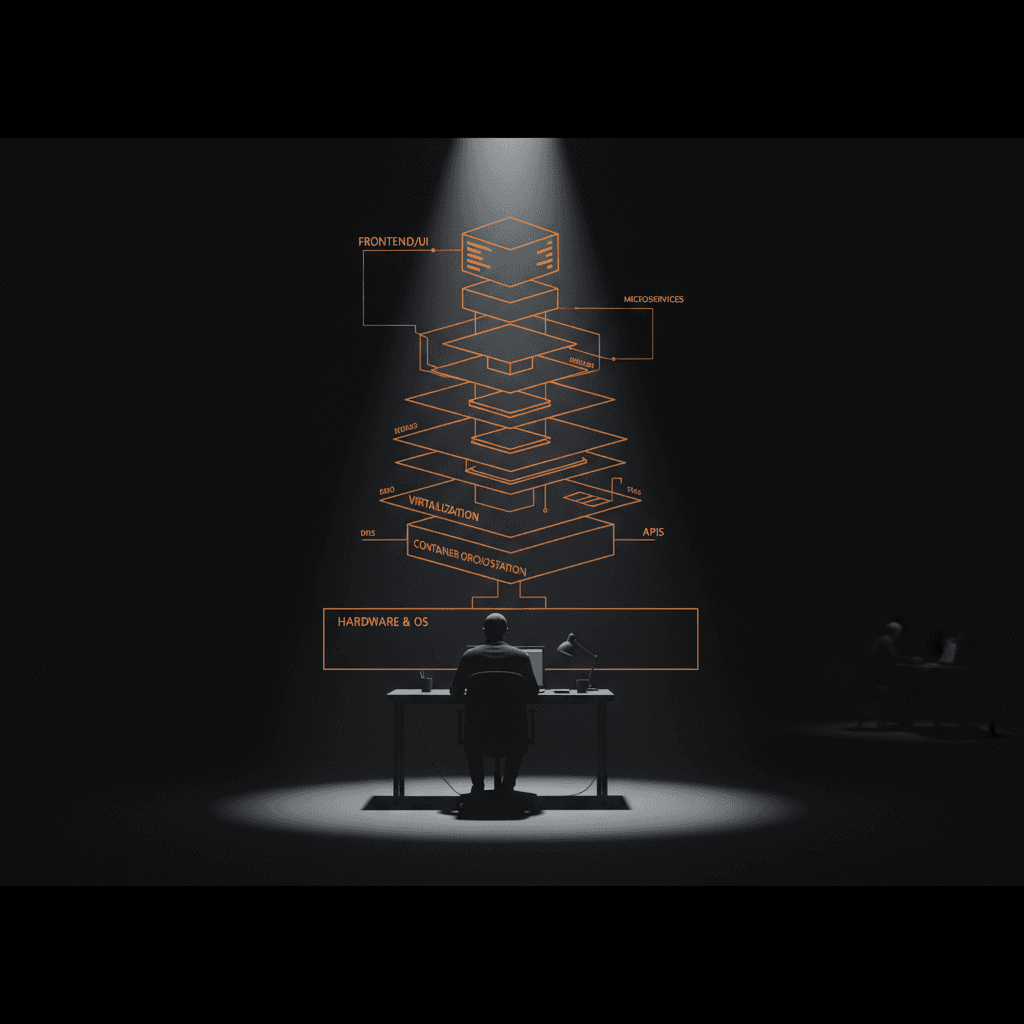
We audit Wix sites for professional services clients. The same gaps appear every time. Here is what properly implemented AI visibility actually includes:
- Per-crawler
robots.txtrules that block training bots without cutting off search indexing - A properly formatted
llms.txtandllms-full.txtat the site root Organizationschema withsameAslinks across every major directoryFAQPageschema on every relevant page- Canonical URLs set correctly across the entire site
- Log file analysis showing which AI agents hit your site and what they read
The last item is the one no platform gives you. Wix launched its AI Visibility Overview tool on July 16, 2025. Watching citation counts fall is not the same as knowing why they fall. Log file analysis tells you whether GPTBot is actually crawling your service pages, which sections it reads, and where it stops. No Wix dashboard surfaces that.
A log gap is also where you find crawl problems that look invisible everywhere else. A bot could be hitting your homepage and ignoring every page below it. You would never know without the raw access logs.
Research from Search Engine Land shows 40-60% of sources cited by major AI platforms rotate every month. A source that ranks in AI answers in May is frequently gone by June. That is why one-time setup is not enough. Professional AI visibility consulting is a maintenance cycle. The firms winning AI-referred traffic treat it that way.
Frequently Asked Questions
Does Wix automatically create an llms.txt file for my website?
Only if you have a Premium eCommerce site in the US in English. Every other tier gets nothing by default. If you manually edit the file Wix does generate, it permanently disables auto-updates.
Can I block AI crawlers like ClaudeBot and PerplexityBot on Wix?
You can add rules to robots.txt, but Wix's own guide only names four crawlers and skips ClaudeBot, PerplexityBot, OAI-SearchBot, and Google-Extended. Blocking ClaudeBot (training) instead of Claude-SearchBot (search) produces opposite results. The wrong block removes you from AI search answers entirely.
Does robots.txt stop AI tools like ChatGPT and Perplexity from reading my site?
Not fully. Standard indexing crawlers like GPTBot and ClaudeBot do honor robots.txt. But when a user asks ChatGPT, Claude, or Perplexity a live question, those systems use real-time web_fetch requests that are not bound by robots.txt. Perplexity was documented using a stealth crawler impersonating Chrome to bypass robots.txt directives entirely (Cloudflare, August 4, 2025).
What structured data does Wix generate automatically, and what does it miss?
Wix auto-generates schema for blog posts, product pages, bookings, events, and homepages. Services pages, custom landing pages, FAQ sections, and About pages get no automatic structured data. You also hit a 7,000-character limit per markup and a cap of five markups per page.
What is llms-full.txt and do I need it for AI search visibility?
llms-full.txt is the companion to llms.txt. It includes full page text so AI systems with large context windows can ingest your content without crawling individual pages. Wix does not generate llms-full.txt for any site tier.
Why does blocking GPTBot hurt my ChatGPT search visibility?
GPTBot and OAI-SearchBot are two separate bots with different jobs. GPTBot collects training data. OAI-SearchBot handles ChatGPT search retrieval. Blocking GPTBot has no effect on ChatGPT Search. Blocking OAI-SearchBot removes you from it entirely. Most robots.txt guides treat them as interchangeable. They are not.
How often do AI-cited sources change?
Research from Search Engine Land shows 40-60% of sources cited by major AI platforms rotate every month. A source that ranks in AI answers in May is frequently gone by June. This is why one-time setup is not enough.
What is the difference between robots.txt and llms.txt on Wix?
robots.txt tells crawlers what to index or skip. llms.txt tells AI systems what to cite when writing answers in real time. They work at different stages and need to be configured separately. Wix manages robots.txt for you but only generates llms.txt for Premium eCommerce sites in the US.
Your Wix Site Is Not Protected. Here Is What to Do Next.
Most Wix sites are invisible to AI search by default. The robots.txt settings Wix gives you do not allow the right crawlers or block the right ones. The structured data is missing or incomplete. There is no llms.txt, and certainly no llms-full.txt.
We audit your robots.txt configuration, build a proper llms.txt and llms-full.txt, add the structured data AI crawlers need, and set up quarterly maintenance so the gap does not reopen. This is a system, not a one-time fix.
AI replaced Google. Don't let another business replace you on AI search.
Book a Free Call →