The Roadmap
The plan. What it does, what it costs, the ground rules, and six prompts for day one.
I want to spend time for you to get to know me. What would you like to know?
Let's do it in short rounds. Here are the first three:
1. Your day. When do you start and stop work? When should I never message you?
2. Your people. Who should always get through to you right away?
3. The first goal. What is actually standing between you and it?
Answer in whatever order you like, voice notes are fine. I'll save what matters so I keep it after today.
For you if
You can copy and paste commands into a terminal window and follow a recipe. Mac or Windows.
Not for you if
You have never used a terminal, or you want someone to call when it breaks. Other options are available.
Two PDFs land in your inbox within a few minutes.
Claude, Orgo, Telegram and Composio, each in your name.
About an hour. Six phases, a check after each one.
It answers on Telegram. Six ready prompts teach it your business.
The plan. What it does, what it costs, the ground rules, and six prompts for day one.
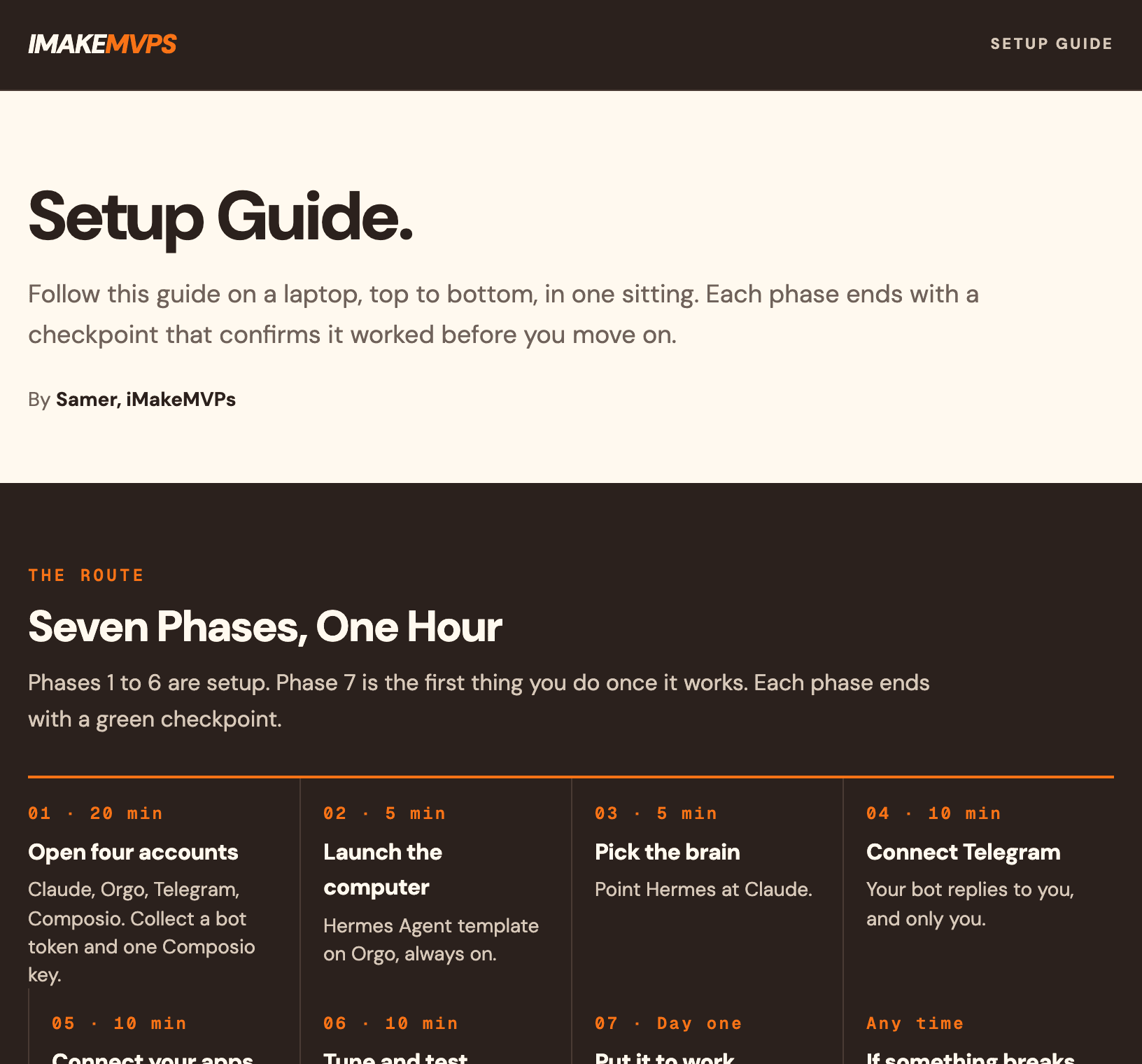
Every command written out. A check after each phase. A fix table for when it breaks.
$100 one time
You do the setup. Two PDFs show you every step.
$500 one time
We do the setup on accounts in your name and hand it over.
Custom rate
We set it up and run it for you. Call us for a custom rate.
Questions
You do. The cloud computer, the AI plan, the chat bot and Composio are all in your name. If we stop working together, your agent keeps running.
The kit is two PDFs you follow yourself. With the setup, we do the work on your accounts and hand it over. With the managed agent, we also run one agreed workflow for you and watch it every week.
For the kit, you need to be comfortable copying commands into a terminal window. That is all. If that sounds like a chore, pick the done-for-you setup.
Telegram is the quickest to set up and the one the Setup Guide walks through. WhatsApp works too. Either way the bot is locked so only you can talk to it.
Through Composio it can reach Gmail, Google Calendar, Google Sheets and many other business apps. You approve each connection, and you can remove any of them at any time.
The Setup Guide ends with a fix table. Each entry is a short terminal fix, usually one restart command. Setup support is not part of the $100. On the managed plan, fixing it is our job.
Only routine ones you agree on up front. Payments, contracts, pricing and anything sensitive go to a person first.
What it does
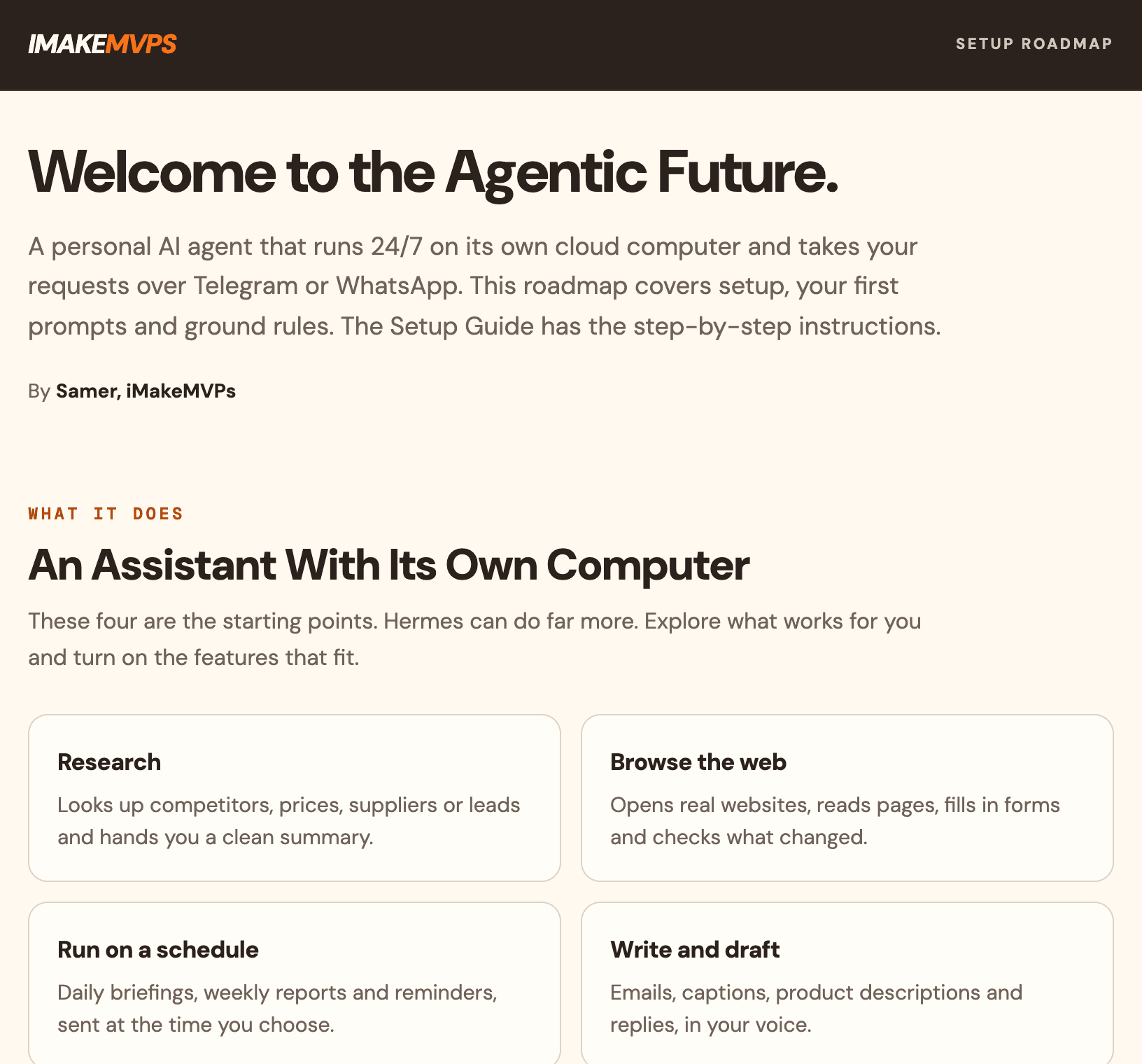
A chatbot answers questions. An agent does the work and reports back. It runs on a cloud computer that never sleeps, and you message it from your phone.
Looks up competitors, prices, suppliers or leads and hands you a clean summary.
Opens real websites, reads pages, fills in forms and checks what changed.
Daily briefings, weekly reports and reminders, sent at the time you pick.
Emails, captions, product descriptions and replies, in your voice.
Most assistants start from zero every conversation. Hermes builds on what it has already done.
After a hard task, it saves the steps as a skill. Next time, it already knows how.
It keeps a memory of you and your business, and searches past chats for context.
Scheduled jobs, a real web browser and phone chat are built in.
Open source, on a computer in your name, and it works with Claude or other AI models.
The tech stack
This is the bare minimum. Every account is in your name and billed to you directly, so the agent keeps running whether or not you keep working with us.
The computer
A cloud computer that stays on 24/7. Your agent and its web browser run here.
orgo.aiThe brain
The model that does the thinking. For example, a paid Claude plan.
claude.aiThe chat
How you message your agent from your phone. Telegram is the quickest to set up.
telegram.orgThe connections
Signs your agent into apps like Gmail, Google Calendar and Sheets, with your approval.
composio.devHermes Agent itself is free and open source. It comes ready on Orgo's Hermes Agent template.
See what might fit your business
Choose your industry to see three possible starting points, or browse common tasks. Every example is illustrative. A managed pilot begins with one primary responsibility, not a bundle of everything on this page.
These help spark ideas. Picking one here does not add it to your pilot.
Routine legal-office tasks, while attorneys keep control of advice, privilege, and client decisions.
Choose one routine to explore
Example workflow
Check a new request for required information before review.