Why Is My Site Not Showing Up in ChatGPT? A Two-Mode Diagnosis
ChatGPT can fail to mention your site for two completely different reasons. Most site owners diagnose the wrong one and spend weeks fixing something unrelated to their actual problem. The first step is identifying which mode triggered the response.
By Samer Shaker
Key Takeaways
- There are two answers to why your site is not showing up in ChatGPT: parametric mode (memory from training data) and live search (real-time via Bing). The right fix depends entirely on which mode answered your query.
- Run a 30-second prompt test before touching your
robots.txtor content strategy. A globe icon or “Searched the web” disclosure tells you which mode fired. - If live search is active, fix OAI-SearchBot access first, then your Bing ranking. Google rankings have no effect on ChatGPT live-search citations.
- If parametric mode is active, domain authority is the dominant factor. A 2025 Ahrefs study found it outweighs schema markup by 3.5 to 1.
- Cloudflare's Bot Fight Mode silently blocks all major AI crawlers at the network layer, leaving no trace in your server logs.
The Two Reasons ChatGPT Does Not Show Your Site
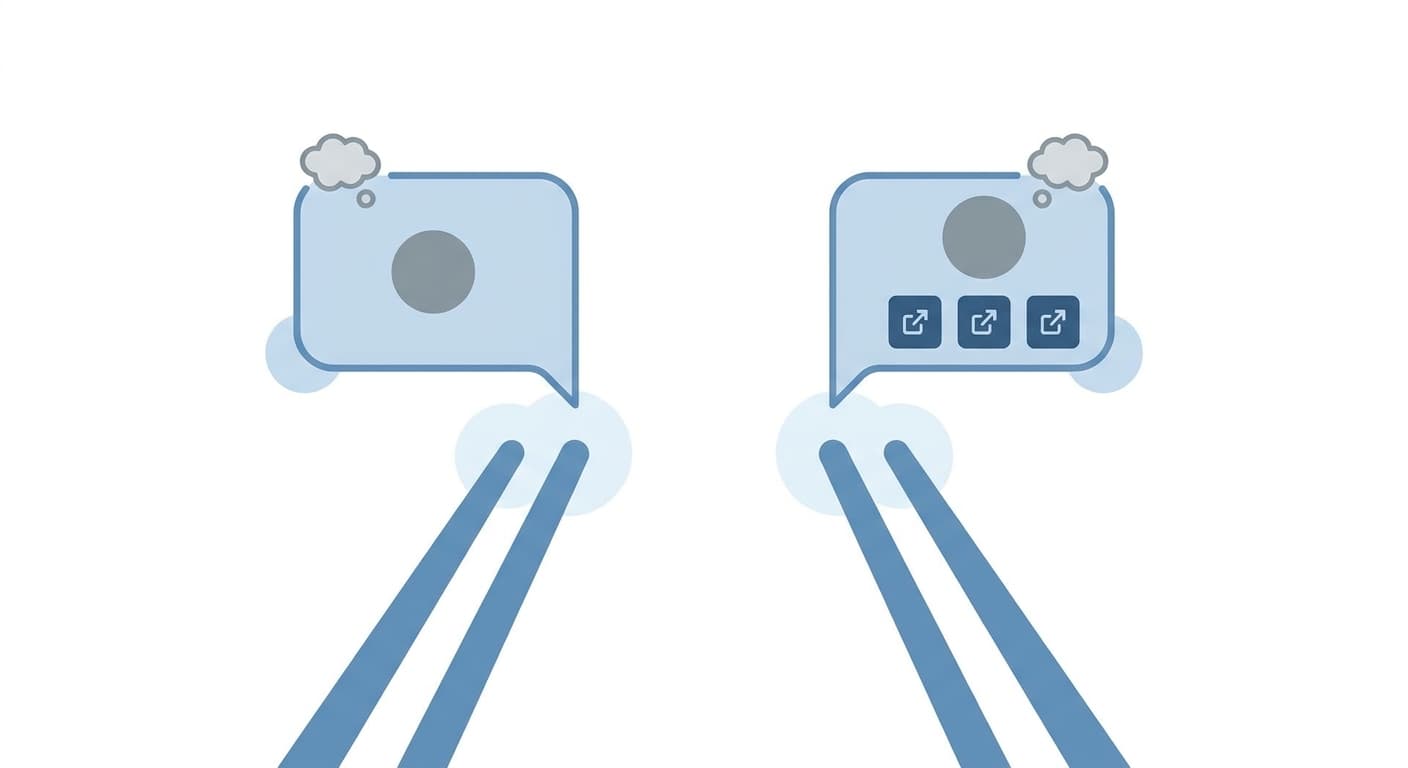
ChatGPT can fail to mention your site for two completely different reasons. Most site owners diagnose the wrong one and spend weeks fixing something unrelated to their actual problem. If your site is not showing up in ChatGPT, the first step is identifying which mode triggered the response.
ChatGPT runs in two distinct modes. In parametric mode, it answers from memory, specifically from training data it absorbed before its knowledge cutoff. That cutoff is roughly 12 months or more behind the current date by the time most users interact with a given model version. No live web request happens. No source is retrieved. The answer is a pattern-matched completion from what the model memorized, not a pull from any index.
In live search mode, ChatGPT makes a real-time request backed by Bing. It returns clickable citations. The sources it references are actually retrieved, not recalled.
The two modes use separate bots. GPTBot and OAI-SearchBot are two separate crawlers. GPTBot crawls the web to collect training data. OAI-SearchBot builds the live search index for real-time retrieval. These are independent pipelines. Blocking one has zero effect on the other.
Training data mode vs. live search mode: what each one sees
When ChatGPT answers in parametric mode, there are no clickable source links in the response. That is the tell. The model is not looking anything up. It is generating an answer from a compressed representation of content it ingested months or years ago. Your site either made it into that training corpus or it did not.
Live search mode looks different. ChatGPT shows a globe icon or a “Searched the web” disclosure. The response includes citations you can click. The model is retrieving, not recalling.
Why fixing the wrong mode wastes weeks of effort
Here is where most site owners lose time. They find out GPTBot is blocked in their robots.txt, fix it, resubmit, and wait. Then ChatGPT still does not mention them.
The reason is simple. If ChatGPT is answering that particular query from training data, crawlability is irrelevant. OAI-SearchBot access matters only when live search is active for that query. Unblocking GPTBot matters only for future training runs, which still carry a 12-plus month lag before any effect reaches users.
Fixing the right problem starts with knowing which mode ChatGPT is actually using when someone searches for what you do.
The 30-Second Prompt Test: Which Mode Is ChatGPT Using?
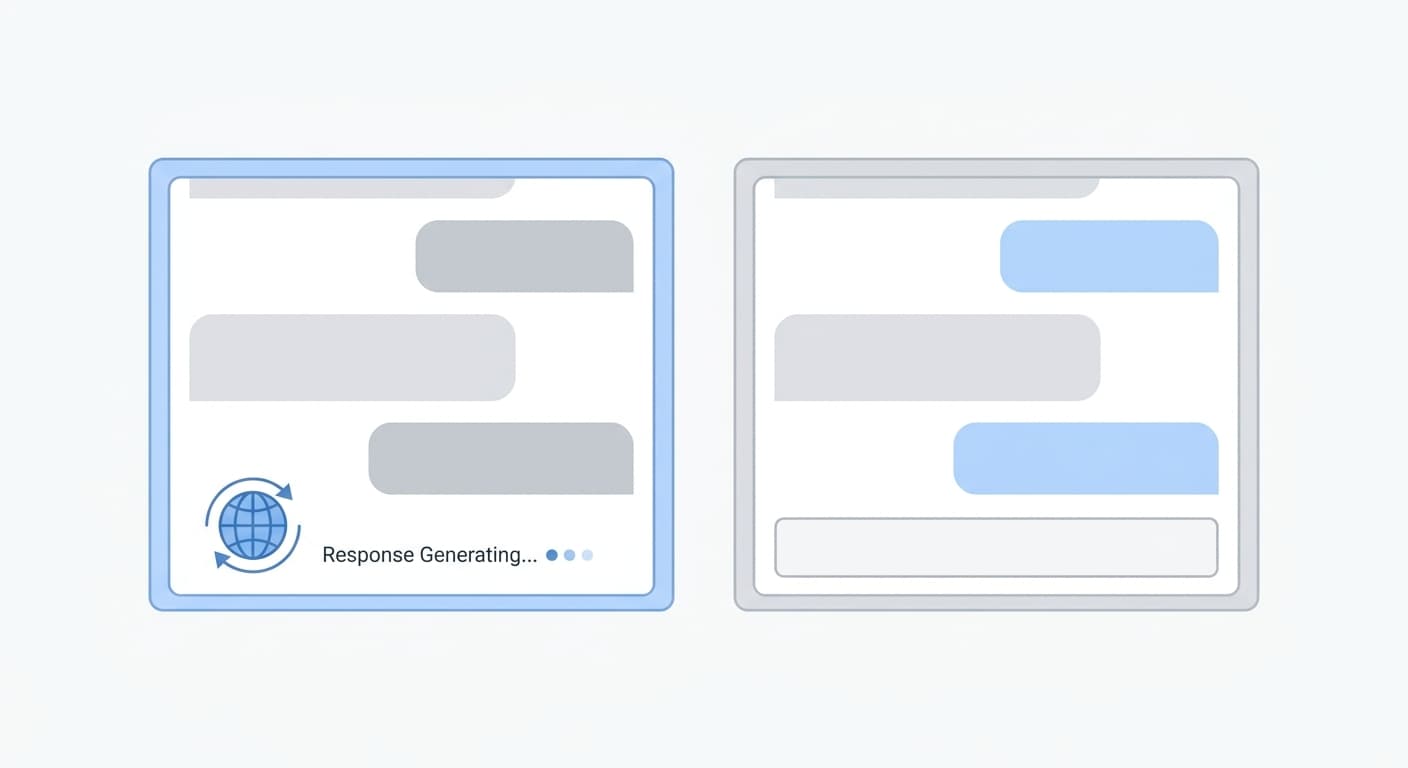
Before you touch your robots.txt, your content strategy, or anything else, run this test. It takes less than a minute and tells you exactly which problem you are actually solving.
Open ChatGPT and type a query that reflects how a real customer would look for your business. Something like: “What businesses near [your city] offer [your service]?” Watch the UI while the response generates.
How to tell if ChatGPT searched the web for your query
Two things signal that live search is active. First, a globe icon appears next to the response as it loads. Second, a “Searched the web” disclosure shows up, usually above or within the response text. You will also see numbered citations that link to actual URLs.
If you see those signals, ChatGPT retrieved real pages to build that answer. Your site was either in those results or it was not. That is a crawlability and indexing problem, and it is fixable through technical means.
What to do when you see no search indicator
No globe. No disclosure. No clickable citations. That response came entirely from training data.
This is critical: the absence of those signals means you do not have a crawl problem. You have a training data problem. Updating your robots.txt, verifying OAI-SearchBot access, or submitting sitemaps will not move the needle on a parametric response. Those are live search fixes applied to a training data gap.
When you see no search indicator, the work shifts to authority and content. ChatGPT's training corpus skews toward sources that got broad citation and coverage before the cutoff. Sites that earned links, mentions, and coverage from established publishers are more likely to surface in parametric answers. That is the lever to pull when live search is not in play.
Run the test first. Then fix the actual problem.
If ChatGPT Used Live Search: Fix Your Crawlability First
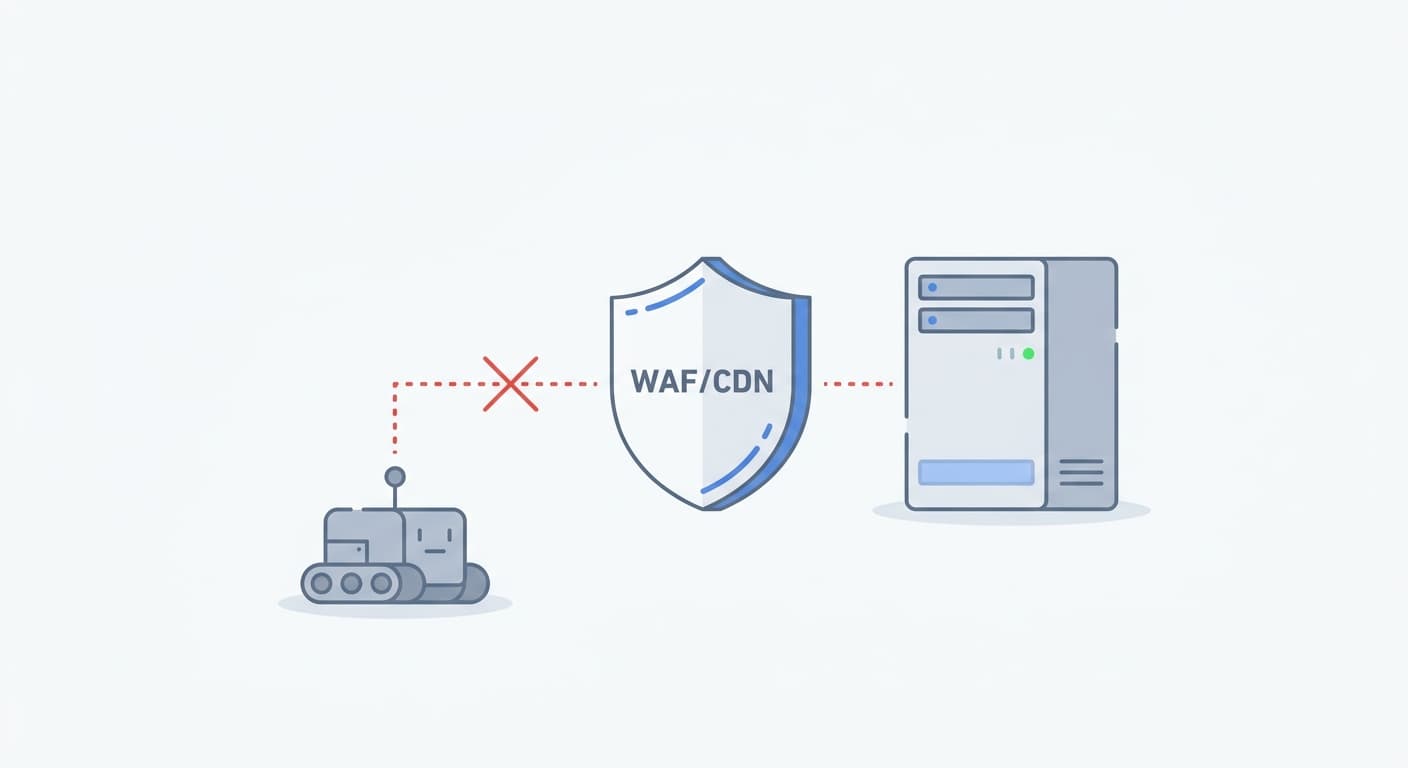
Most site owners who block AI crawlers block the wrong bot. GPTBot powers OpenAI's training data. OAI-SearchBot builds the live search index that ChatGPT queries in real time. These are two separate bots, independently configurable in robots.txt. Blocking one does not block the other.
If your prompt test showed a live search indicator and your site was missing from the results, start here.
OAI-SearchBot blocked? Check robots.txt and your WAF
Open your robots.txt file and look for any rule that disallows OAI-SearchBot. If one exists, remove it. To explicitly allow the bot, add these two lines:
User-agent: OAI-SearchBot
Allow: /
That covers the robots.txt layer. There is a second layer that silently kills crawl access: your WAF.
Cloudflare's Bot Fight Mode blocks OAI-SearchBot, GPTBot, PerplexityBot, and ClaudeBot at the network level, before any request reaches your server. No error appears in your access logs. Nothing shows in Search Console. The bot just gets dropped. You would never know. Skip this check and every major AI crawler is blocked with nothing in your logs to show it.
Webflow migrated all hosted sites to Cloudflare recently and enabled Bot Fight Mode by default. If your site runs on Webflow and you have not checked this, you are likely invisible to every major AI crawler right now. To fix it, go to Security, then Bots, then toggle Bot Fight Mode off. See our full robots.txt example for GPTBot and OAI-SearchBot and the guide to allow AI crawlers in your robots.txt for a complete setup.
Your Bing ranking determines your ChatGPT live-search citations
Google rankings do not matter here. Bing rankings do. Most site owners ignore Bing entirely, which means they are optimizing for the wrong index.
A 2025 Seer Interactive study analyzed 500+ ChatGPT search-mode citations and found that 87% matched Bing's top 20 organic results, a finding covered extensively by Search Engine Journal. If you are not in Bing's index, ChatGPT's live search cannot cite you. Full stop.
Run “site:yourdomain.com” in Bing right now. If your pages do not appear, submit your sitemap through Bing Webmaster Tools and treat Bing SEO as a separate workstream from Google.
Content freshness: updated pages get far more citations
Crawlability gets you in the pool. Freshness determines how often you get picked.
According to a 2025 Indexly.ai analysis of 2 million prompts, pages updated within the past 30 days receive 3.2x more ChatGPT live-search citations than stale content. This is not about publishing new articles. It means revisiting your highest-value pages, updating the data, and re-publishing. A refreshed date signals to OAI-SearchBot that the content is worth surfacing.
If you fixed your robots.txt and Cloudflare settings but still do not appear, check when your key pages were last meaningfully updated. Staleness is often the remaining gap.
If ChatGPT Used Training Data: Fix Your Authority and Content Depth
The preceding section covers live search. This section is for the other case. If you ran the prompt test and saw no live search indicator, ChatGPT answered from its training data. That means robots.txt, Bing indexation, and Cloudflare settings are not your problem. Your problem is domain authority and content structure.
Domain authority is the dominant factor: schema markup barely registers
Stop spending time on JSON-LD schema if your goal is ChatGPT citations.
In a 2025 study, Ahrefs tracked 1,885 pages that added JSON-LD schema. The result: zero measurable improvement in ChatGPT citations. Schema does not causally lift your presence in AI training output.
What does? Referring domains.
In the Ahrefs study, a site with 3,200 referring domains and no FAQ schema earned 68% AI citation share. A competitor with perfect schema but only 420 referring domains earned 12%. Domain authority outweighs schema 3.5 to 1. If you are building backlinks and ignoring schema, you are making the right trade-off. If you are doing the opposite, you are optimizing for a signal that does not move the needle.
Put your best content in the first 30% of the page
ChatGPT does not read your whole page equally. Indexly.ai's 2M-prompt dataset found that 44.2% of citations come from content in the first 30% of a page.
That means your answer needs to appear before your background section, before your methodology explanation, and before your supporting evidence. Lead with the direct answer. Put the evidence after it. If your page buries the key claim in paragraph six, training data extraction may miss it entirely. The answer capsule technique is a specific structure for this: a 40-60 word, self-contained paragraph below each H2 that stands alone without any surrounding context.
This applies to every high-value page on your site. Audit your top-10 pages by organic traffic and check whether the core answer appears in the opening third.
GPTBot must be allowed: training data never updates if it is blocked
Training data has a 12+ month lag from crawl to citation influence. That lag only starts if GPTBot can crawl you.
If GPTBot is blocked in your robots.txt today, you are not in the queue for the next training update. You are not in any queue. Check your robots.txt for a disallow rule on GPTBot and remove it. The fix is one line. See the robots.txt example for GPTBot and OAI-SearchBot for the exact syntax.
One more thing worth doing: add an llms.txt file to your site. No major AI company has formally adopted it as a citation signal yet, but it signals content structure to AI systems and costs almost nothing to implement. Treat it as AI-readiness hygiene while the standard matures. Here is how to add an llms.txt file to help AI models index your content.
New site vs. established site: the fix lists differ
The diagnosis changes based on how old your site is.
If your site is under 18 months old, domain authority is almost certainly the problem. You cannot shortcut it with schema, llms.txt, or content restructuring. The fix is a sustained link-building effort. Set a 12-month timeline and build from there.
If your site is 2 or more years old and established in your niche, crawl access and content staleness are the more likely culprits. Check your robots.txt for GPTBot blocks, review your WAF settings, and look at when your key pages were last updated. Authority is probably not the issue. Access and freshness are.
Knowing which category you are in saves months of work on the wrong problem.
How to Track Whether ChatGPT Is Actually Sending You Traffic
Before you change anything, check whether ChatGPT is already citing you and sending clicks you cannot see.
ChatGPT referral traffic shows as “chatgpt.com” in GA4
Open GA4, go to Acquisition > Traffic Acquisition, and filter by session_source = chatgpt.com. Any session where a user clicked a ChatGPT link and arrived with a referrer header will show there. You can also learn more about the full setup in this guide: track ChatGPT referral traffic in GA4.
GA4 alone captures roughly 30% of real ChatGPT traffic (industry estimate; actual rates vary by referrer policy and browser). The other 70% arrives with no referrer header and lands in Direct/(none). That session looks identical to someone who typed your URL directly into the browser.
To recover some of those sessions, build a custom channel group in GA4 that flags sessions with utm_source=chatgpt.com that land in Unassigned. It will not give you exact numbers, but it narrows the gap.
What zero referral traffic from ChatGPT actually means
Zero in GA4 does not mean no one clicked. It may mean sessions are dropping referrer data in transit.
Cross-reference your server logs. Search for ChatGPT-User in the user-agent field. If GA4 shows zero from chatgpt.com AND your server logs show no ChatGPT-User hits, you are genuinely not being cited. That is the signal to act on, not GA4 alone.
Frequently Asked Questions
Does adding schema markup help ChatGPT find my site?
Not meaningfully. Ahrefs tracked 1,885 pages that added JSON-LD schema and found zero measurable citation improvement. Domain authority outweighs schema by a 3.5:1 ratio. Fix your authority first.
How long does it take to show up in ChatGPT after publishing?
It depends on the mode. Training data has a 12+ month lag. Live search citations can appear within days to weeks after Bing indexes your page.
Does my Google ranking affect ChatGPT citations?
No. ChatGPT uses Bing as its live search backend, not Google. A 2025 Seer Interactive study found that 87% of ChatGPT citations match Bing's top 20 results. A strong Google ranking does not predict whether ChatGPT will cite you.
Will adding llms.txt make ChatGPT cite my site?
Not yet. No major AI company has formally adopted llms.txt as a citation signal. It is worth adding as AI-readiness hygiene. Do not expect a citation bump from it alone.
Does blocking GPTBot affect my live search results?
No. GPTBot only affects training data collection. OAI-SearchBot is the crawler that controls live ChatGPT search. Blocking GPTBot leaves your live citation eligibility untouched.
Can a CDN or firewall block ChatGPT crawlers without me knowing?
Yes. Cloudflare's Bot Fight Mode silently blocks AI crawlers at the network layer, leaving no trace in your server logs. Check your Cloudflare dashboard under Security, then Bots.
My site is brand new. How do I get ChatGPT to mention it?
Build domain authority. Technical configuration is not the bottleneck for new sites. Authority is. Budget at least 12 months of consistent publishing and link building before expecting citations.
Does ChatGPT use Google's index for its answers?
No. ChatGPT's live search runs on Bing. Rank on Bing, earn links that Bing values, and you improve your odds of appearing in ChatGPT answers.
Get Your AI Visibility Score
Find out where you rank in ChatGPT, Claude, and Perplexity, and what is blocking you.
Get My Free AI Audit →